









The Cost Breakdown
Part by PartPrefer to build it yourself? Here's a rough guide to what each component costs on its own.Check these against your live prices before publishing.

Best for: beginners, smaller spaces, getting started
Best for: dedicated home golfers, serious practice
Best for: low handicappers, club fitting, commercial use
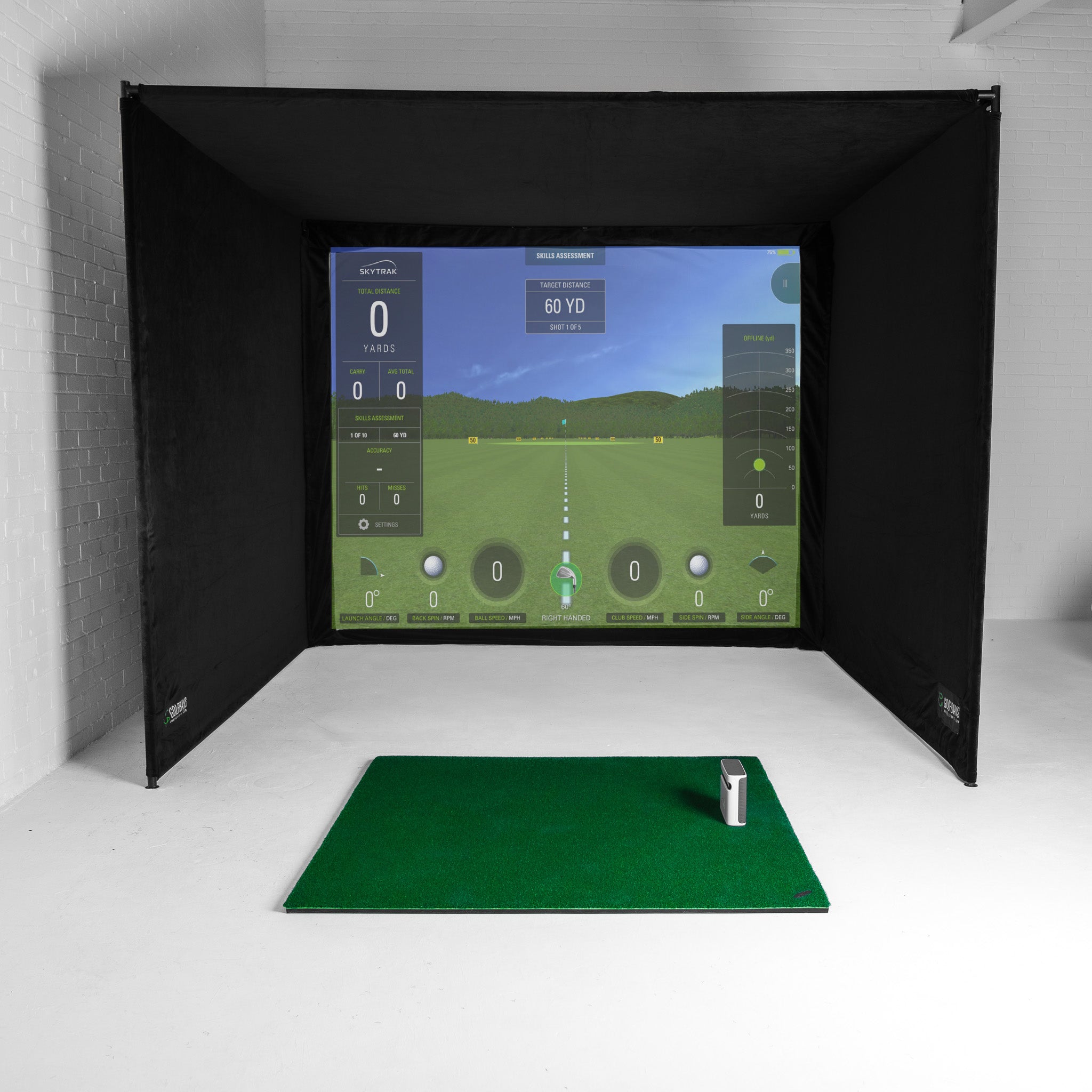
A golf simulator is really five things working together, and each one affects your total. Knowing what each part does helps you decide where to spend and where to save.
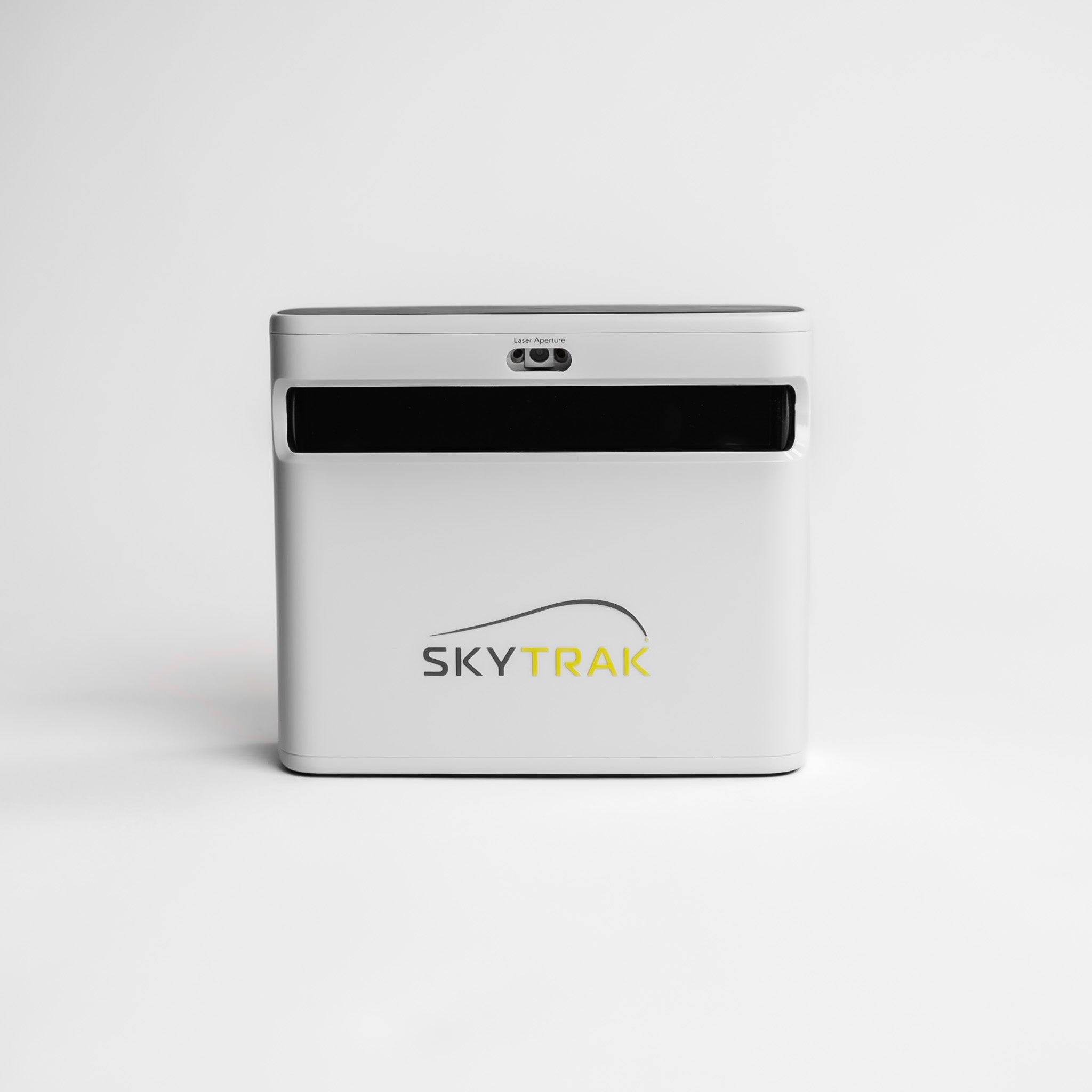
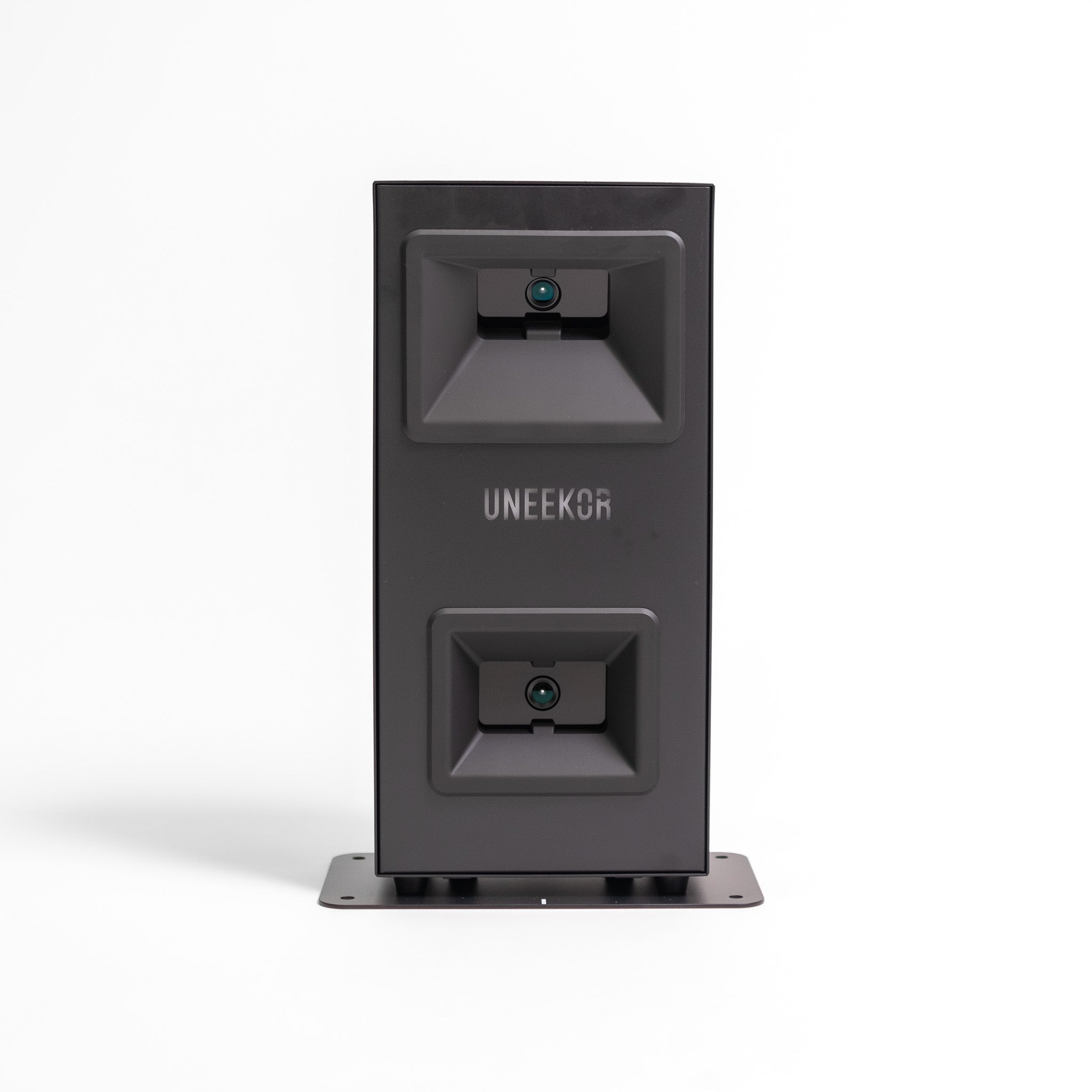
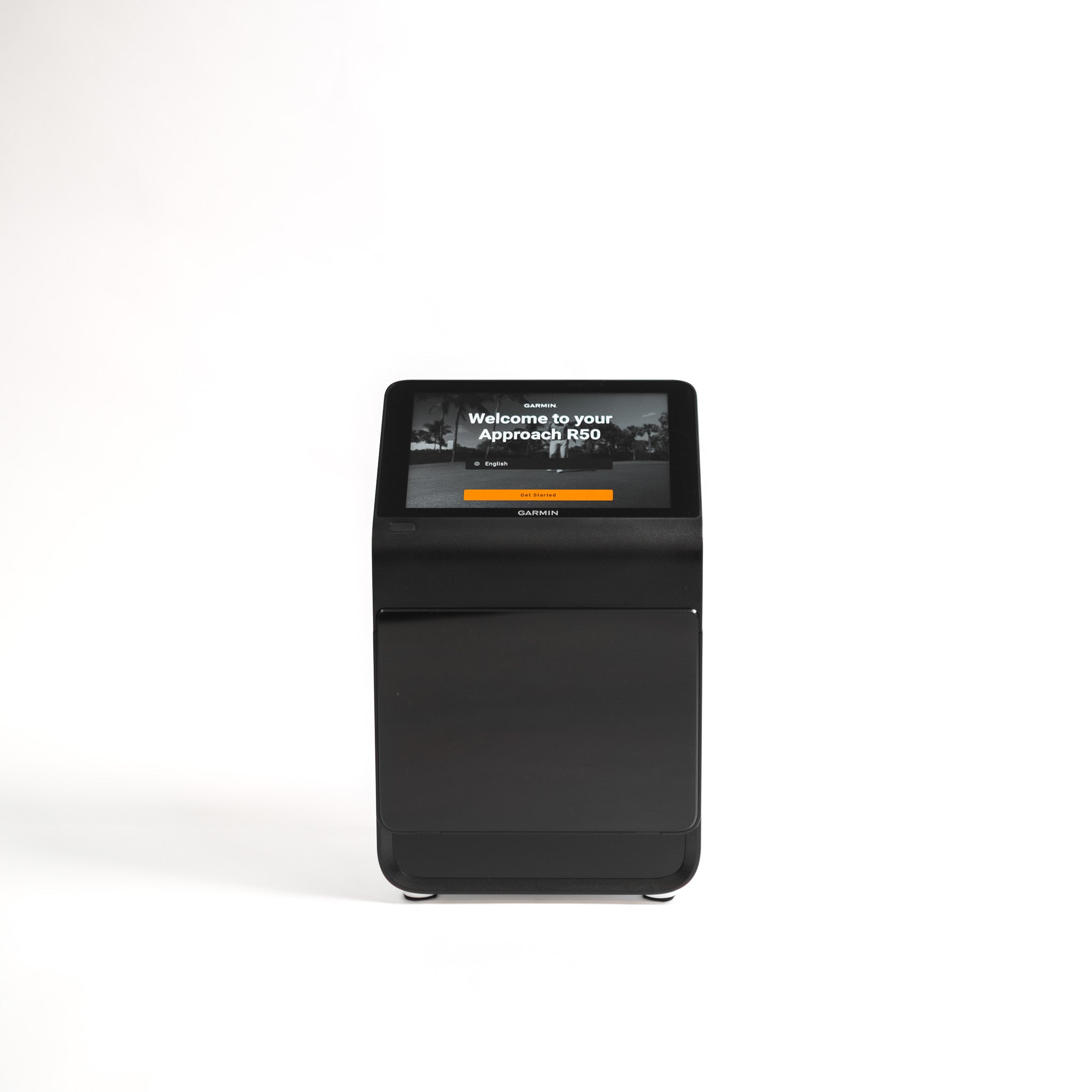
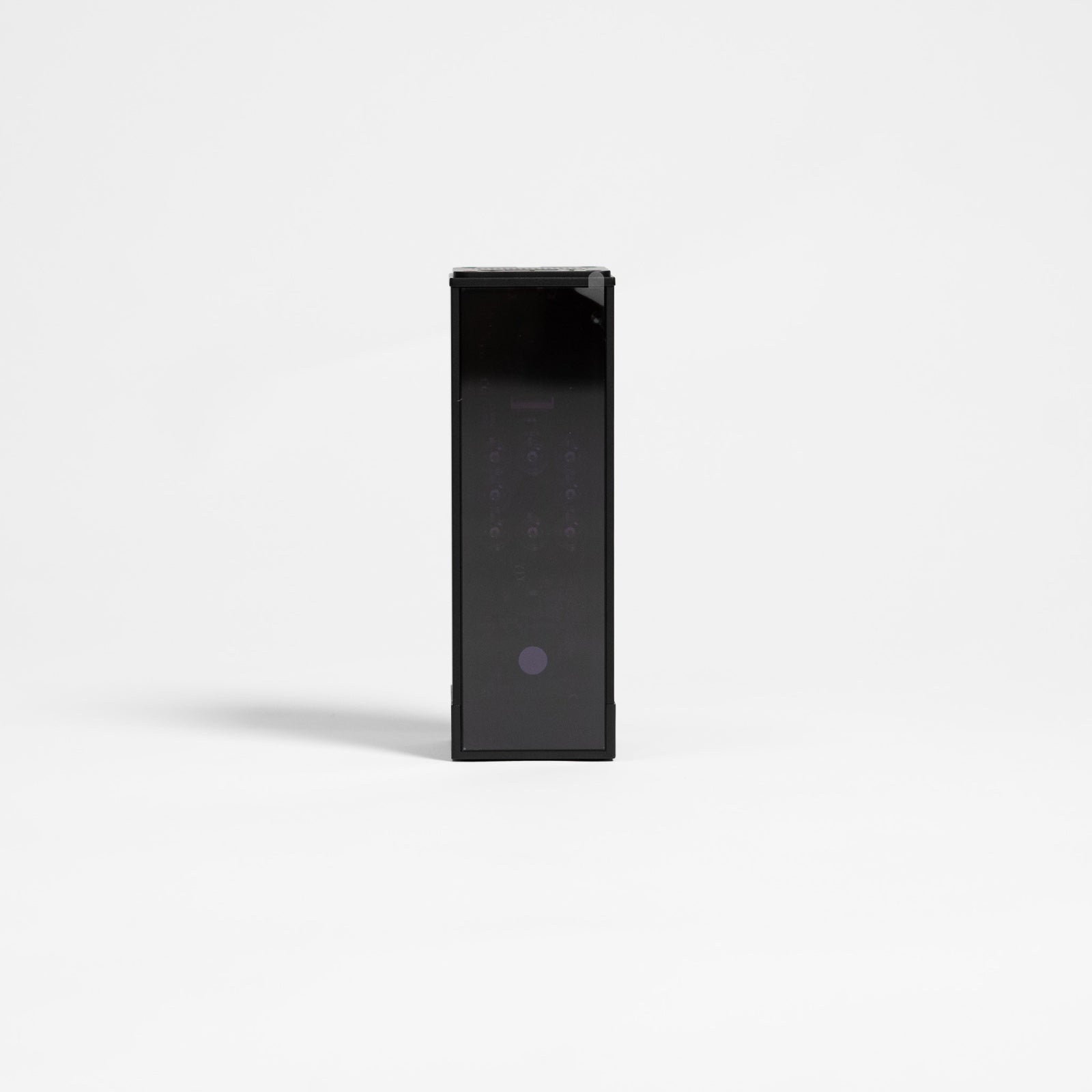
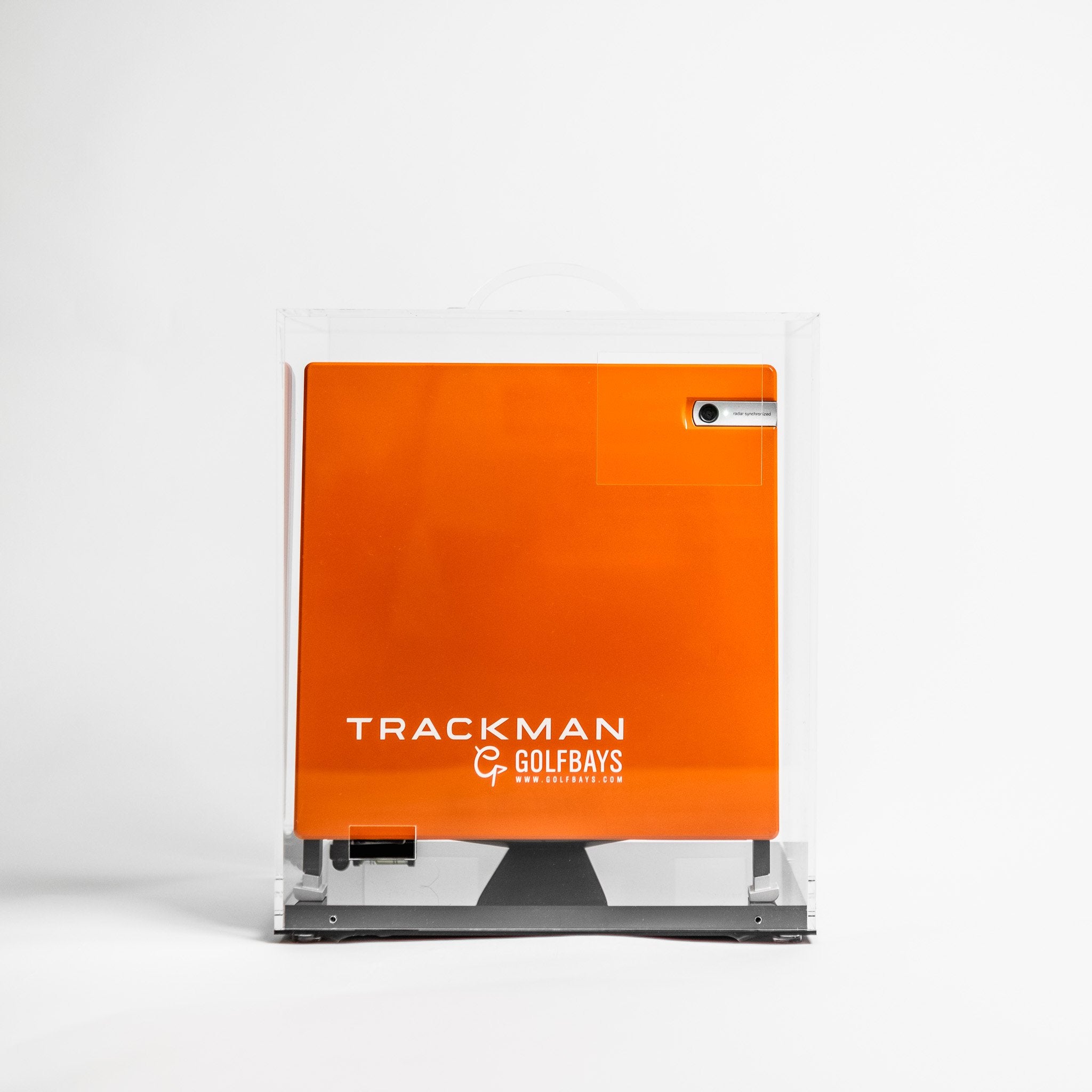
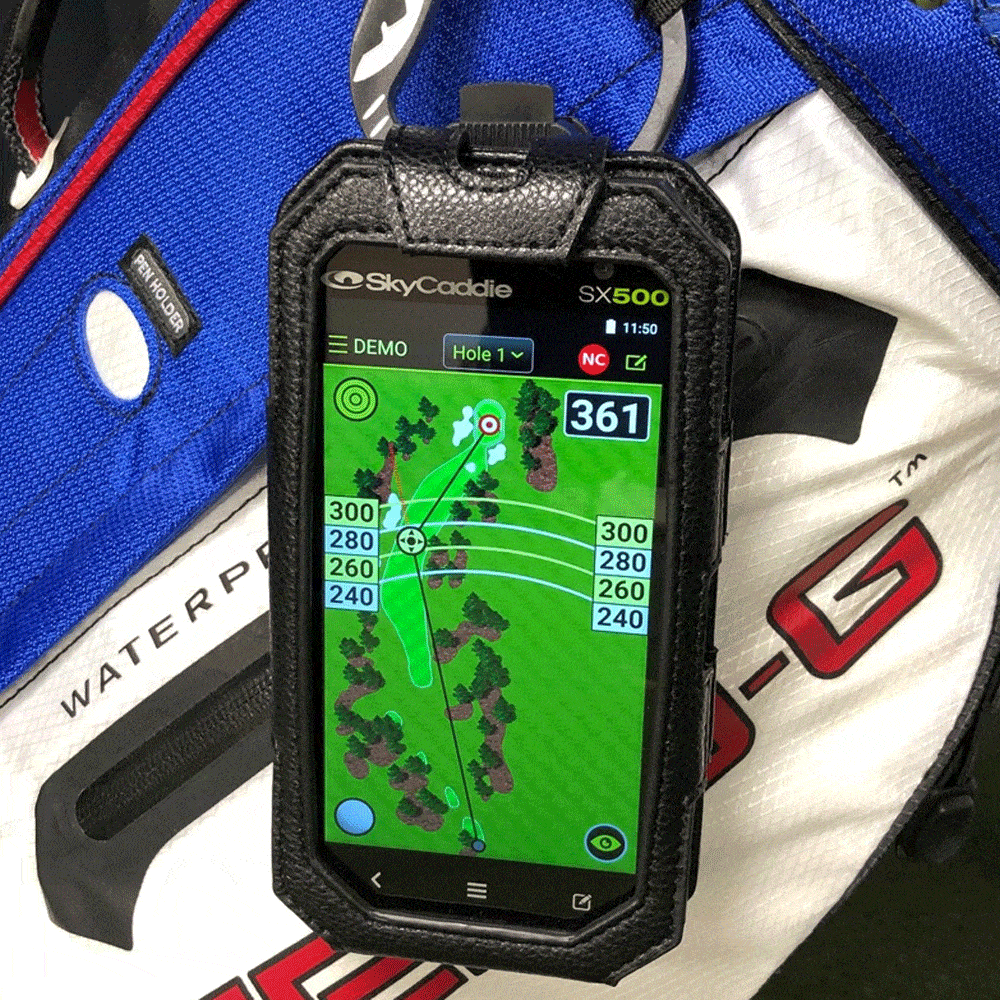
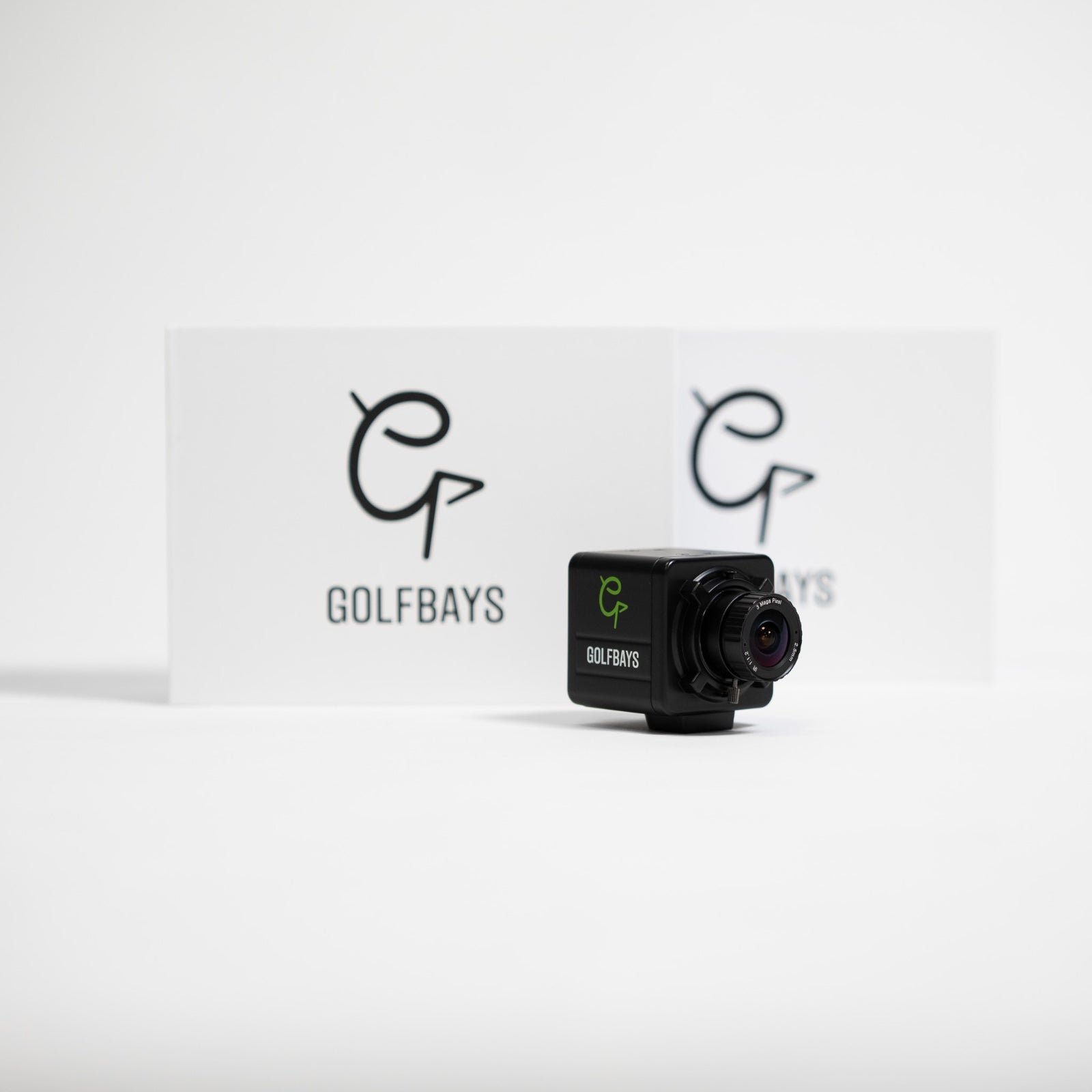
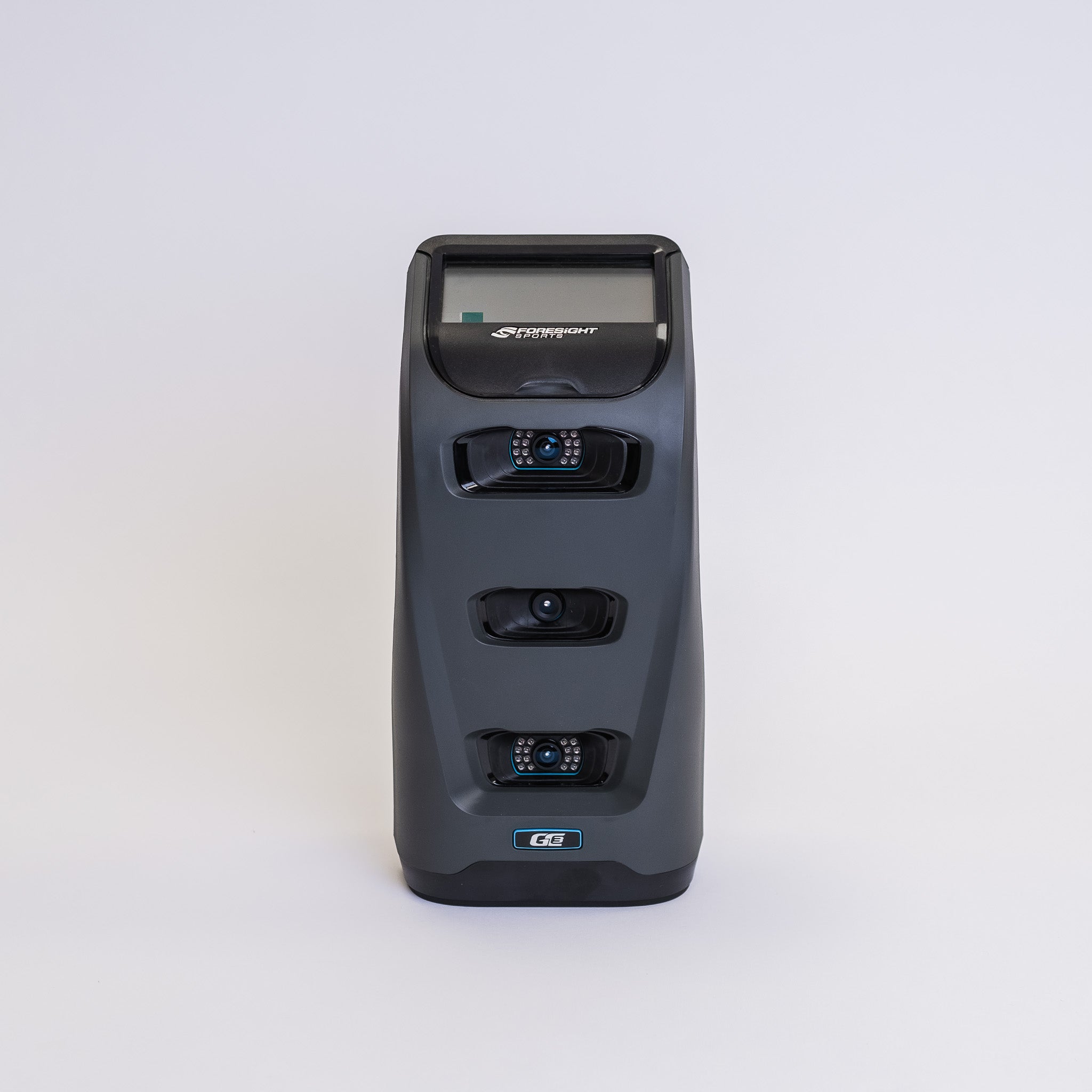
Launch monitor – The brains of the setup. It reads your shot and feeds the data to the software. This is usually the single biggest cost and the part most worth investing in.
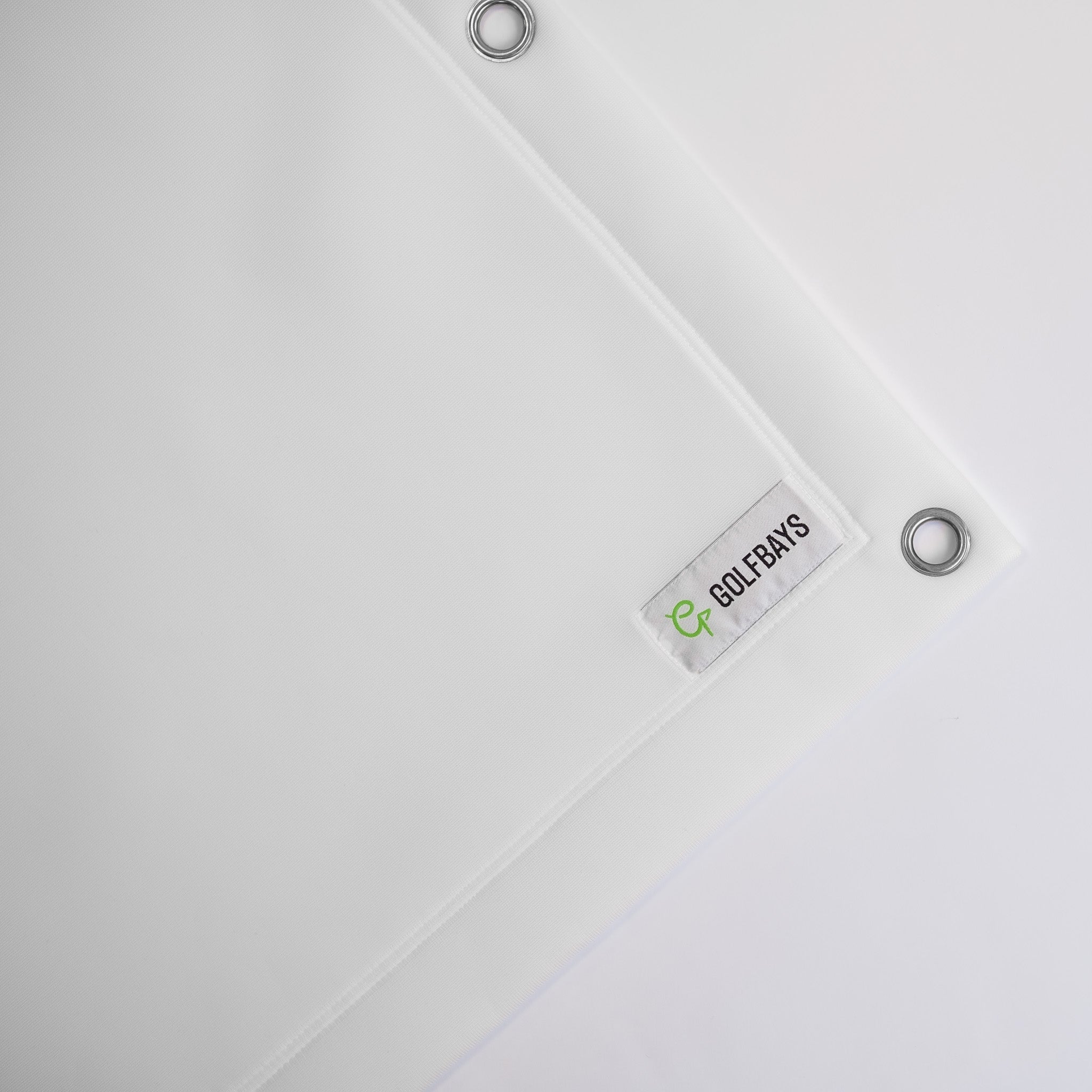
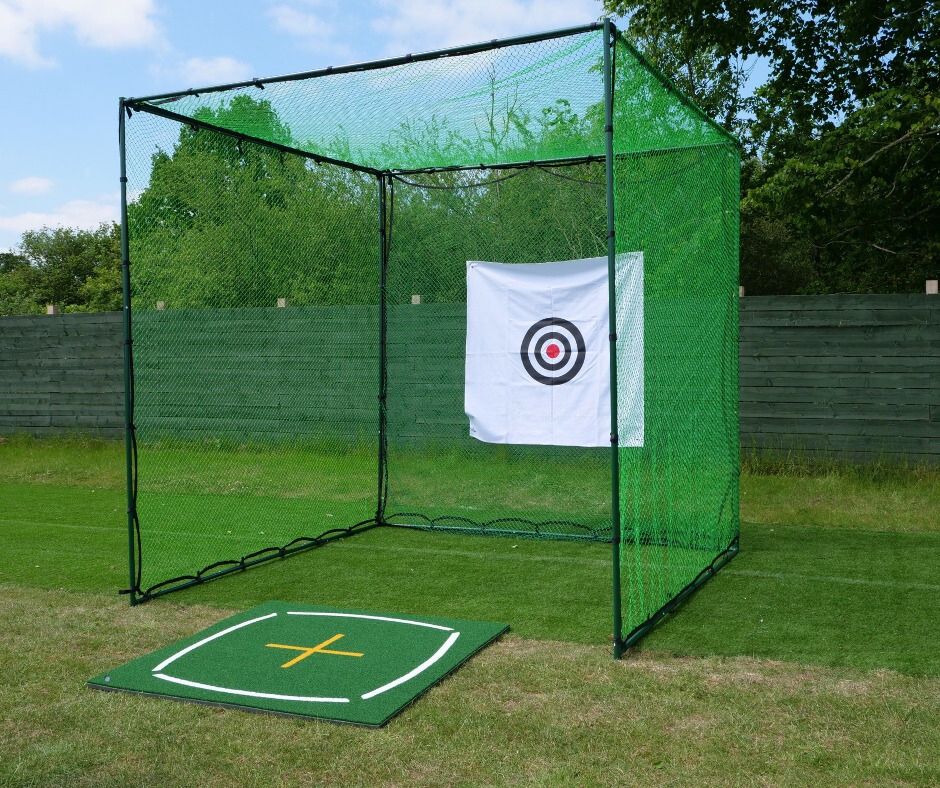
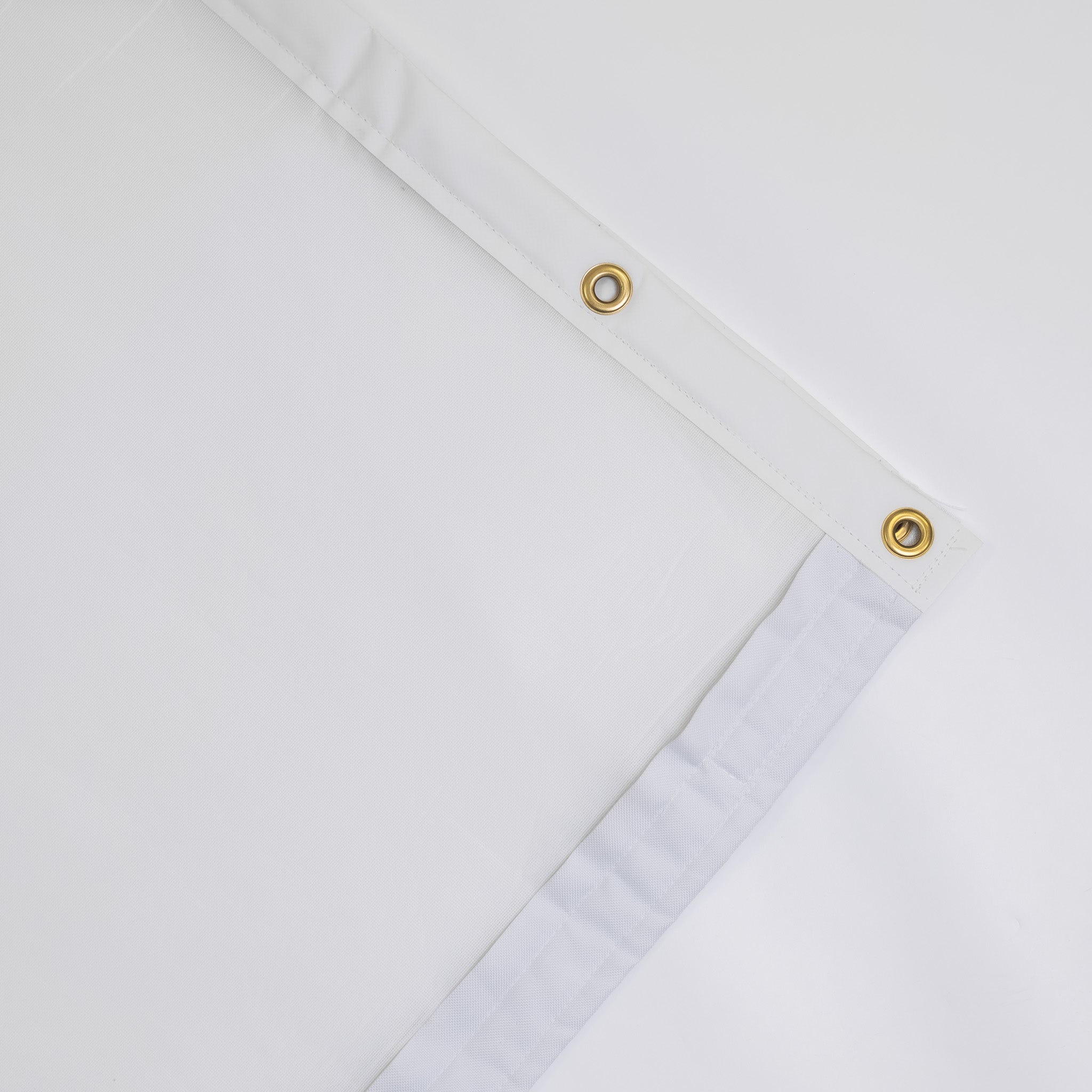
Enclosure and impact screen – What you hit into. Catches the ball and displays the image.
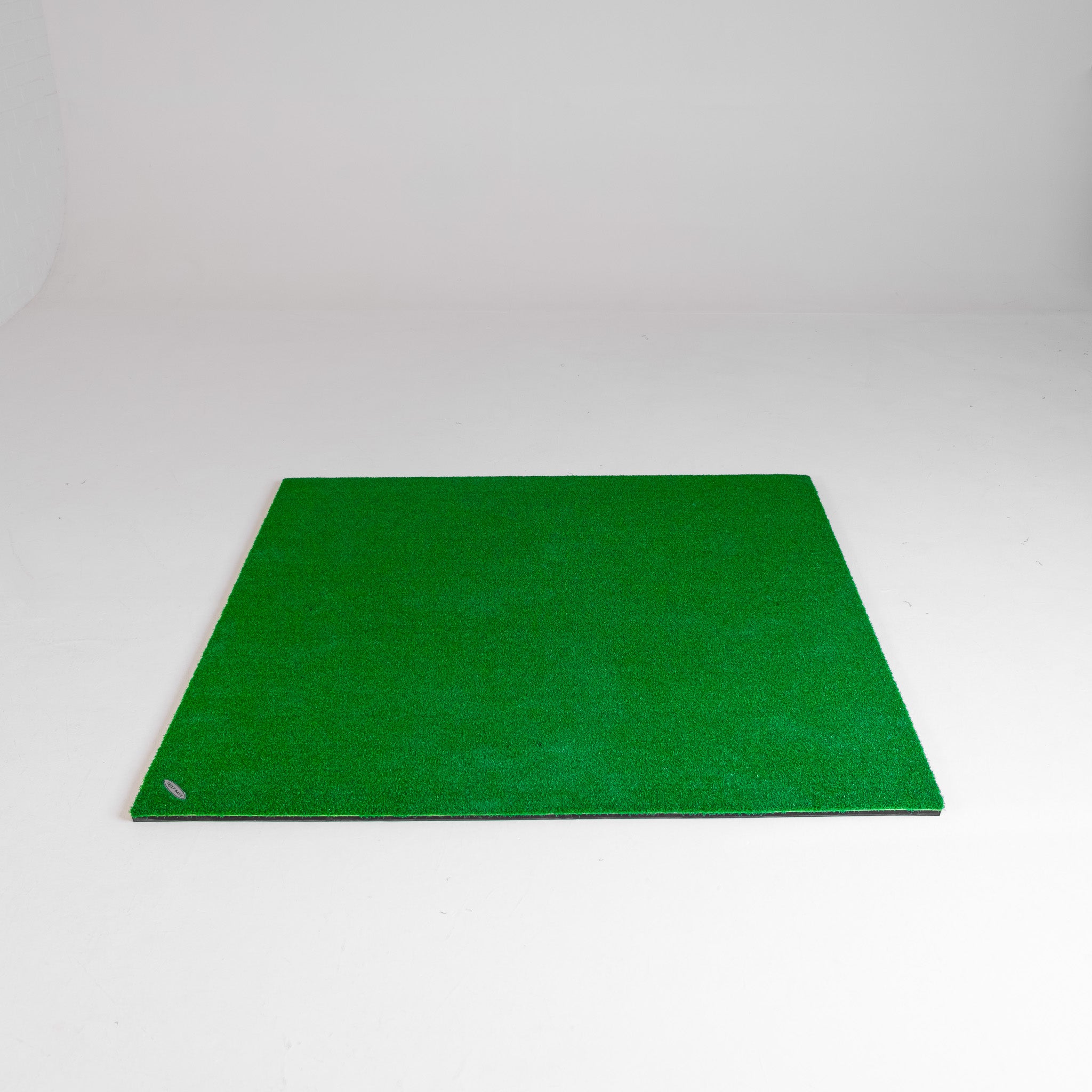
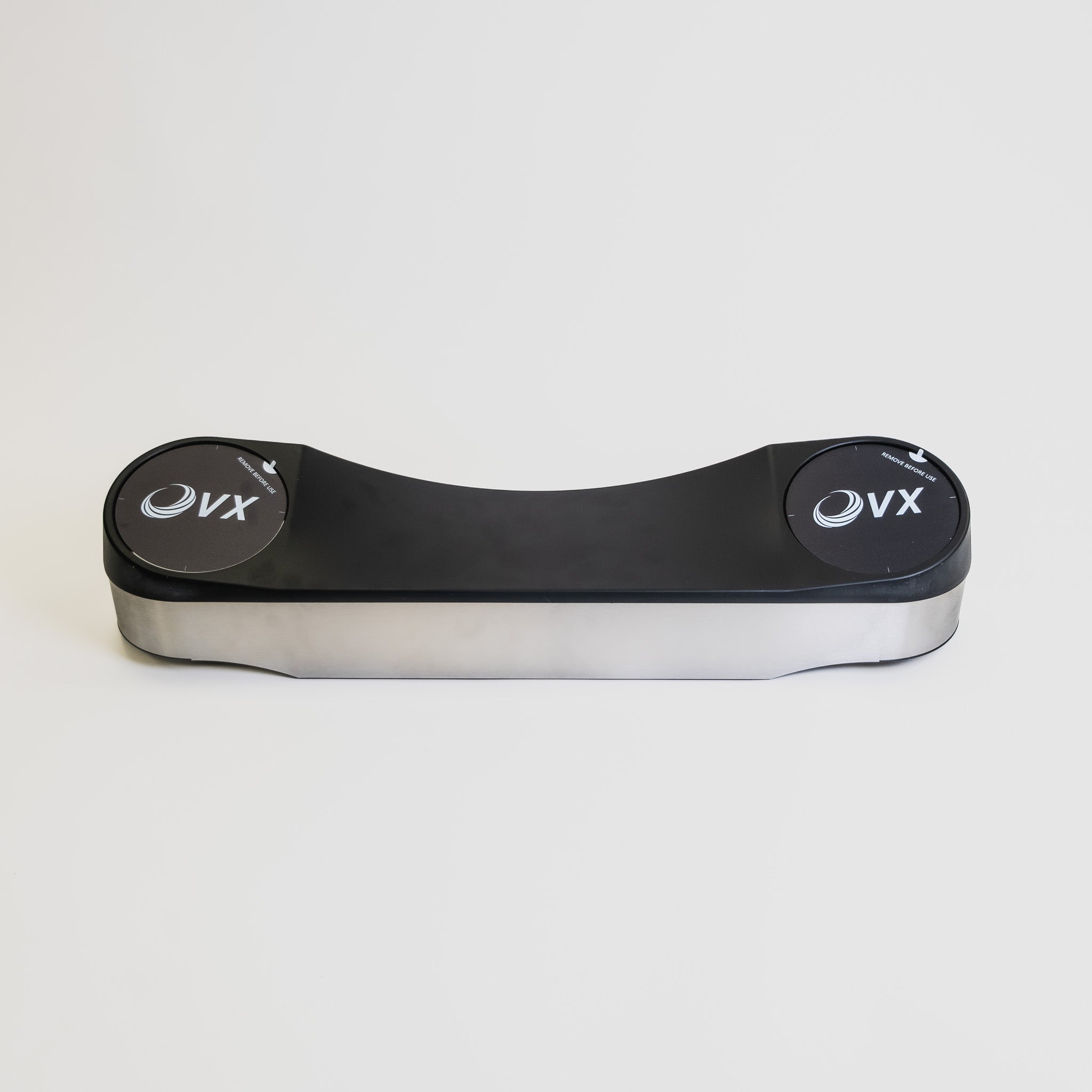
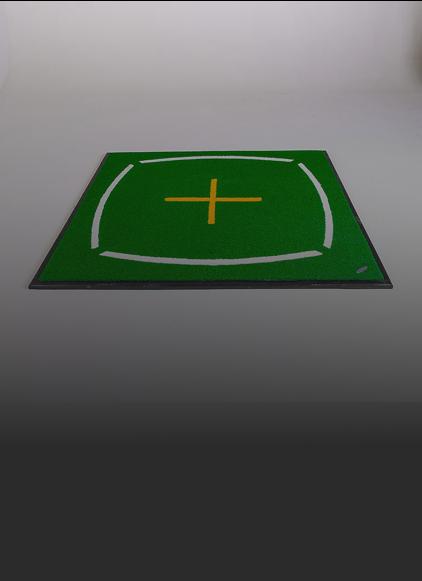
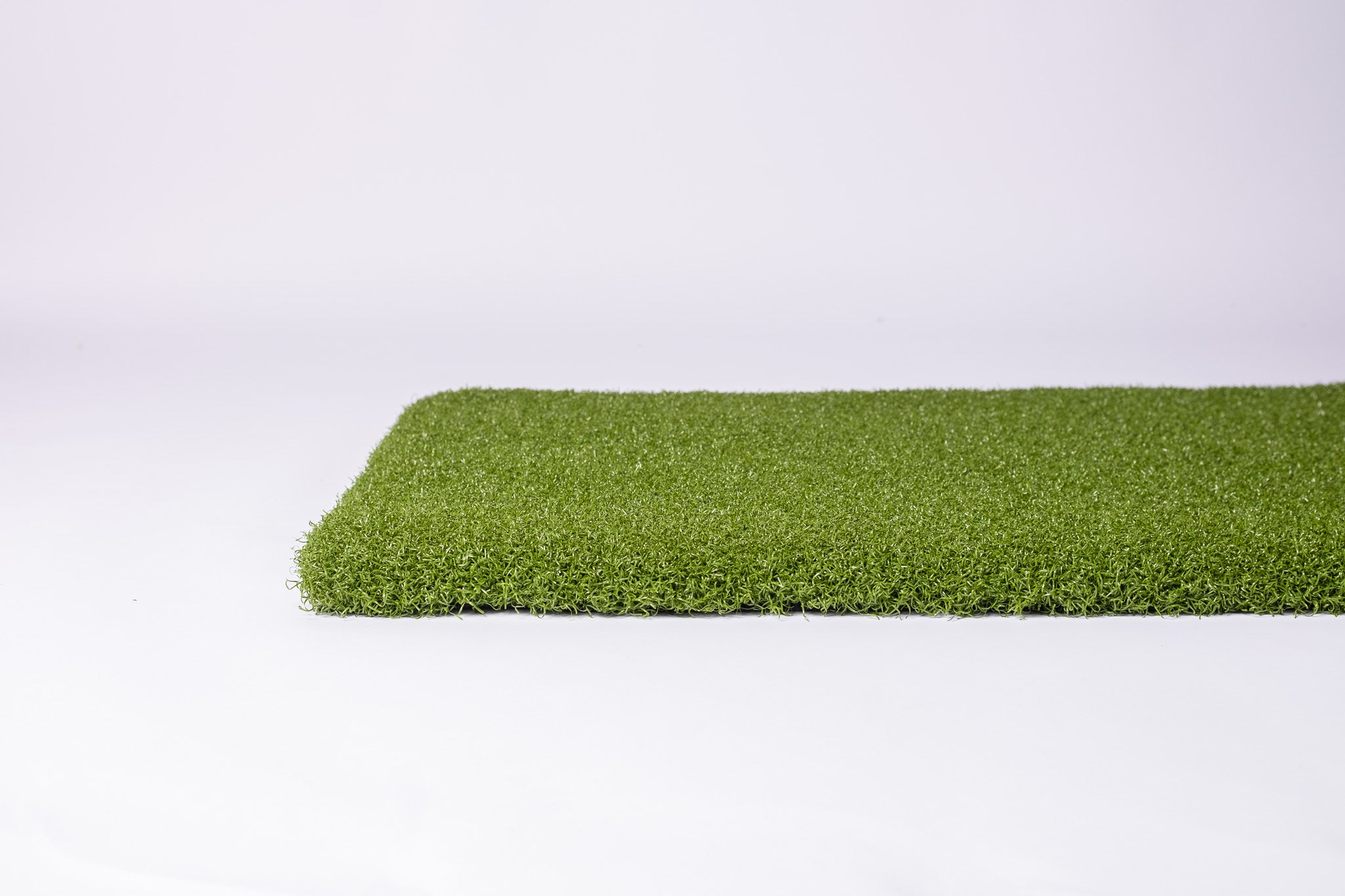
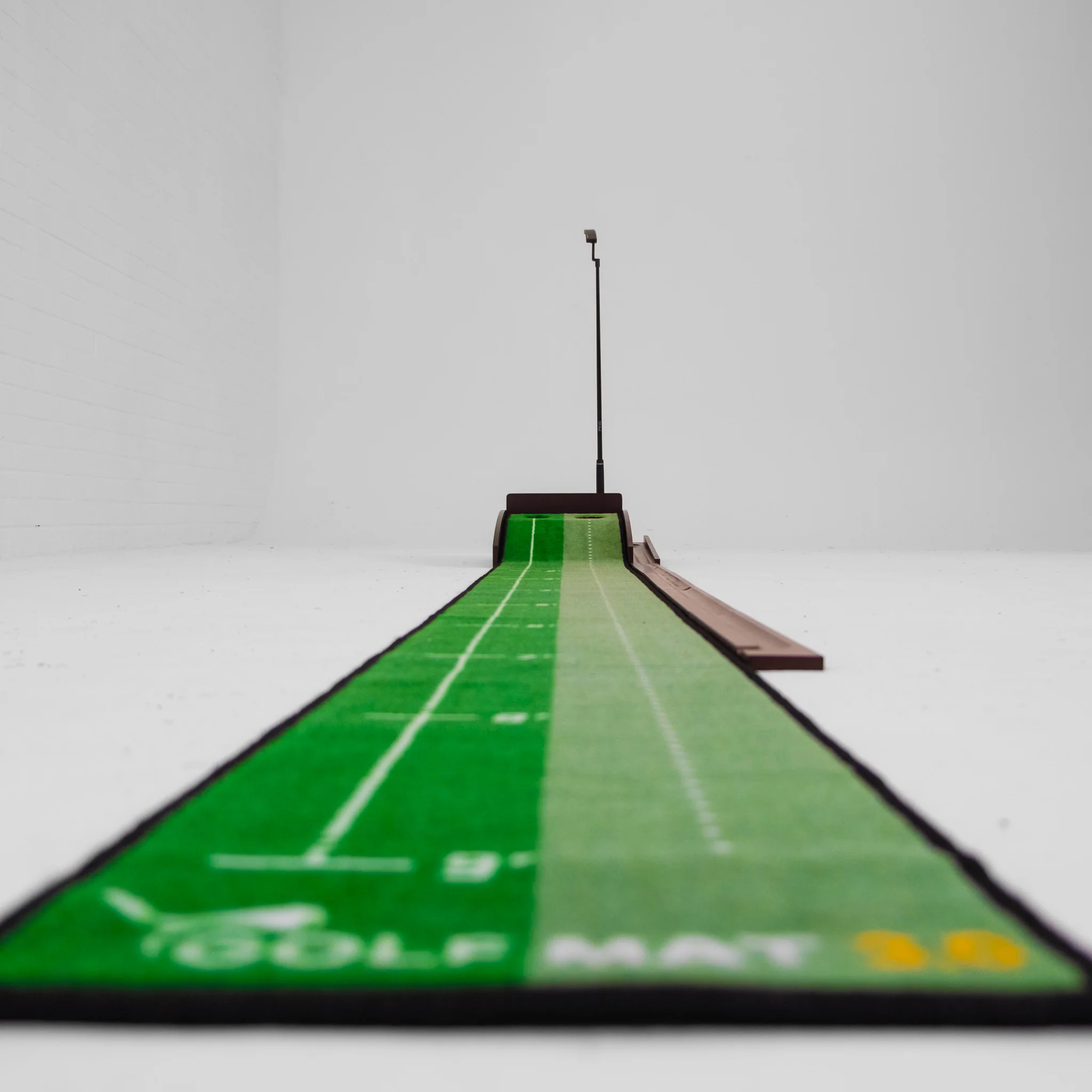
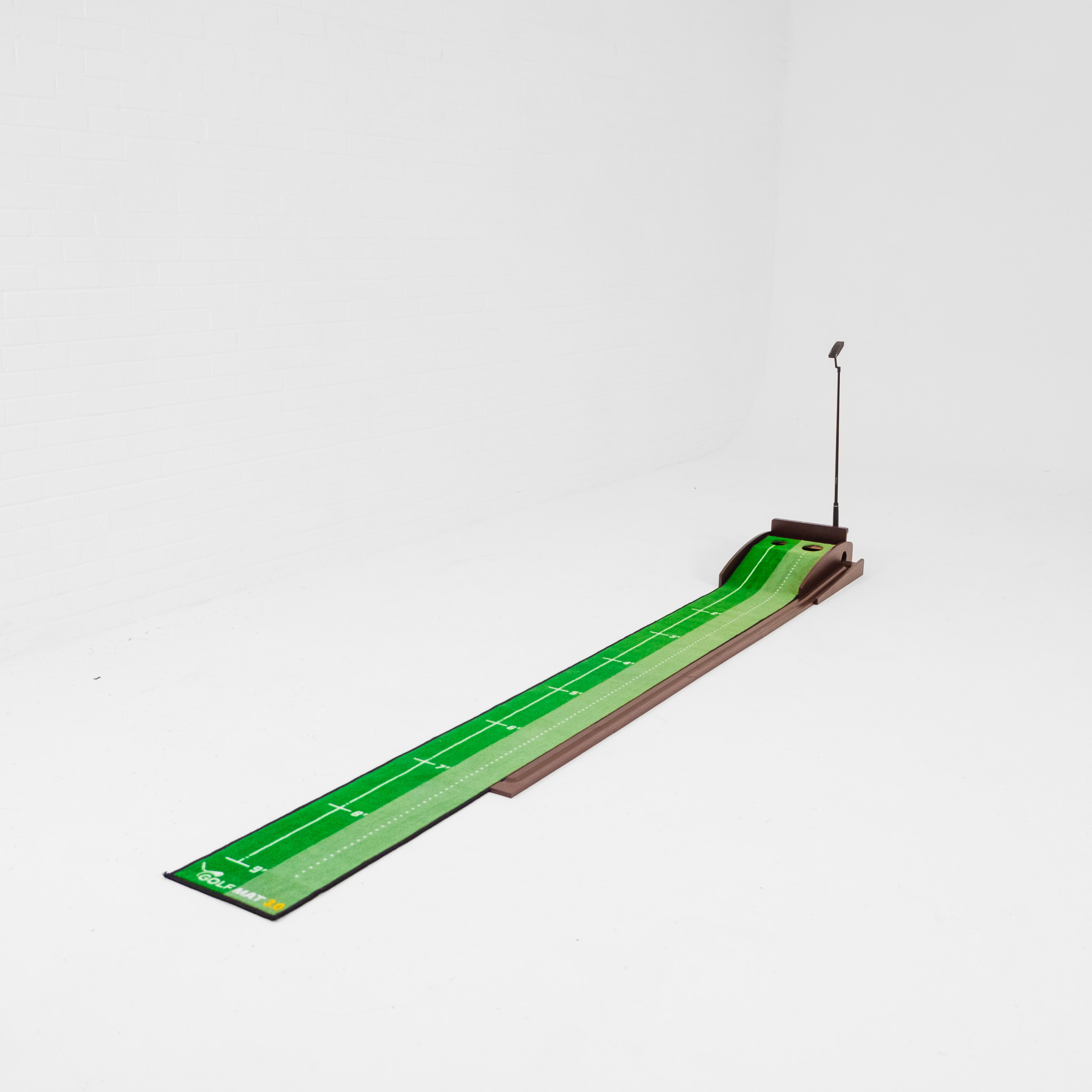
Hitting mat – Where you stand and strike from. A good one protects your joints and your clubs.
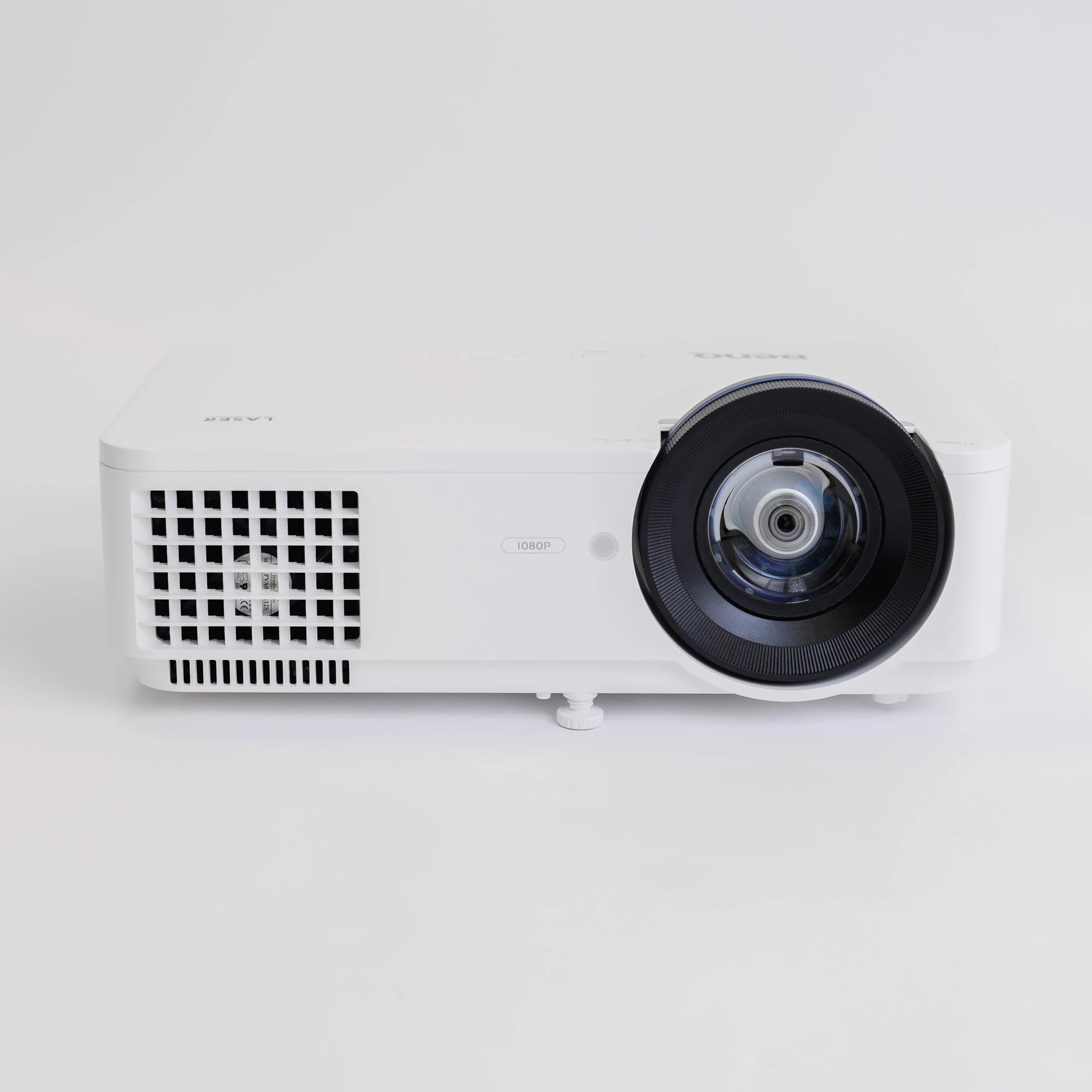
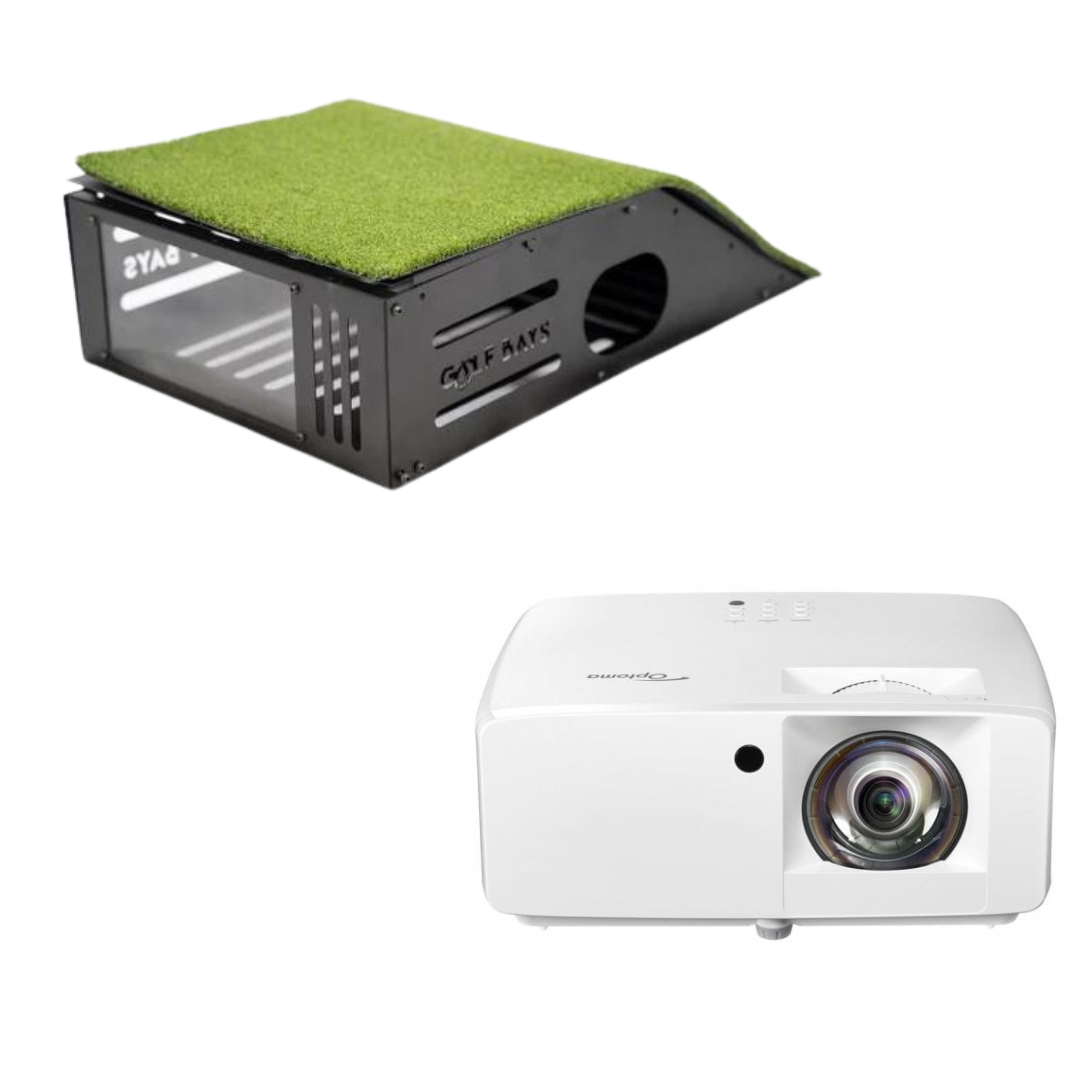
Projector – Throws the image onto the screen.
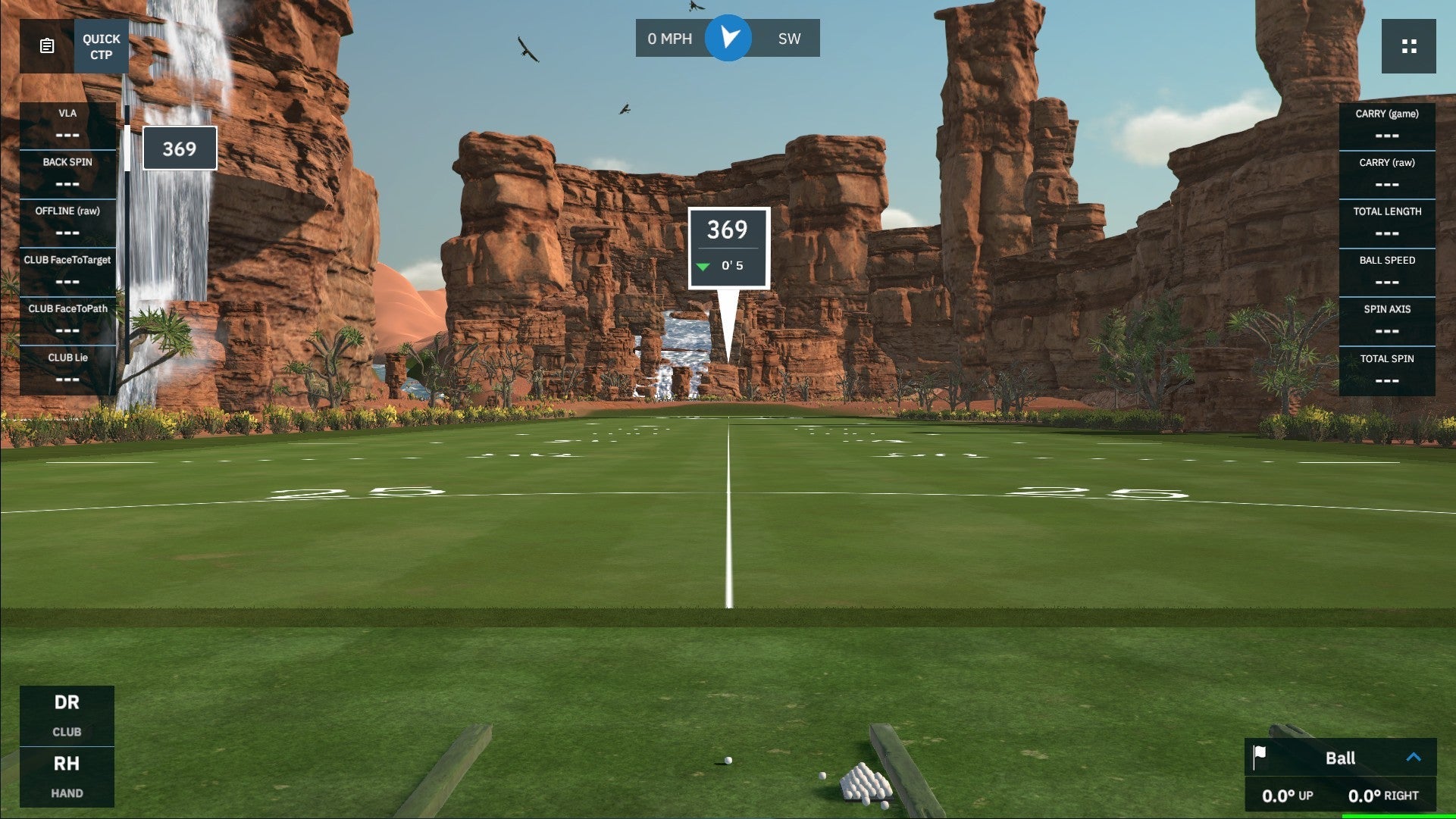
Software and a PC – Runs the courses and crunches the data.
Buy these as a complete package and it usually works out cheaper than piecing it together yourself, since everything's matched to work together out of the box.

Perfect if you want real, useful practice without a big outlay. At this level you'll typically pair an entry-level launch monitor with a net or a smaller enclosure and a solid mat.
You won't get every bell and whistle, but a budget setup still gives you reliable, repeatable data to work on your swing, plus the fun of playing virtual courses at home. It's also the easiest way to get started and upgrade later.
A great starting point here is the SkyTrak+ paired with a practice net or compact enclosure.
Take a look at our DIY simulator offer too, which is built specifically for this budget.

The sweet spot for most home golfers. This is where you get a proper enclosure, a better launch monitor, a premium mat and sharper image quality, all in one complete package.
A mid-range setup feels like a real golf room rather than a practice corner. The data is more accurate, the picture is crisper, and it's a space the whole family will actually use. For most people, this is the level that hits the right balance of cost, quality and enjoyment.
Our EasySim packages and room bundles sit right in this bracket and include everything you need to play.
The full experience. Tour-level launch monitor accuracy, a premium enclosure, the best image quality, and a finish that turns a room into a proper golf studio.
At this level you're buying the kind of accuracy and realism used by professionals, plus the look and feel of a commercial setup in your own home. If golf is a serious passion and you want the best, this is it.
Explore our Lux packages for our top-tier builds, or talk to us about a fully custom setup designed around your space.

Part by PartPrefer to build it yourself? Here's a rough guide to what each component costs on its own.Check these against your live prices before publishing.
| Component | Typical Price |
|---|---|
| Launch monitors | From around £400 entry-level, £2,000 to £4,000 mid-range, £8,000+ for tour-level systems |
| Enclosures & impact screens | From around £300 for a basic screen up to £2,000+ for a premium enclosure |
| Hitting mats | From around £150 for a quality mat, up to £700+ for a premium TrueStrike-style mat |
| Projectors | From around £500 to £1,500 depending on resolution and throw |
| Software & PC | Software from around £200 a year, plus a capable PC if you don't already have one |
Add it up and you'll see why a matched package usually saves money over buying piece by piece.
The good news: once you've bought it, a simulator costs very little to run.
Software subscriptions – Some platforms are a one-off purchase, others charge a yearly fee, typically from around £200 a year. Plenty of great free and paid options exist.
Electricity – A projector and PC use roughly the same as a games console and a TV. Pennies per session.
Wear and tear – A projector lamp and your hitting mat will need replacing eventually, but both last years with normal use.
Compare that to a typical round or a range bucket and a home setup pays for itself surprisingly fast. Get your practice in whenever you like, whatever the weather, without leaving the house.
Loved by 10,000+ Happy Golfers
You don't have to spend big to start. A few simple ways to get more for your money:
Start small and upgrade. Begin with a budget launch monitor and a net, then add an enclosure and a better mat later. The kit is modular, so nothing goes to waste.
Buy a package, not parts. Matched bundles are almost always cheaper than buying everything separately, and you avoid compatibility headaches.
Use the space you have. A garage or spare room saves you the cost of a dedicated building. Our room size guide shows you what fits.
Watch for deals. Check our current offers for package savings.
Whatever your budget, we'll help you build the right setup.
Browse our full range of golf simulators or book a free consultation and we'll spec something around your budget and space.