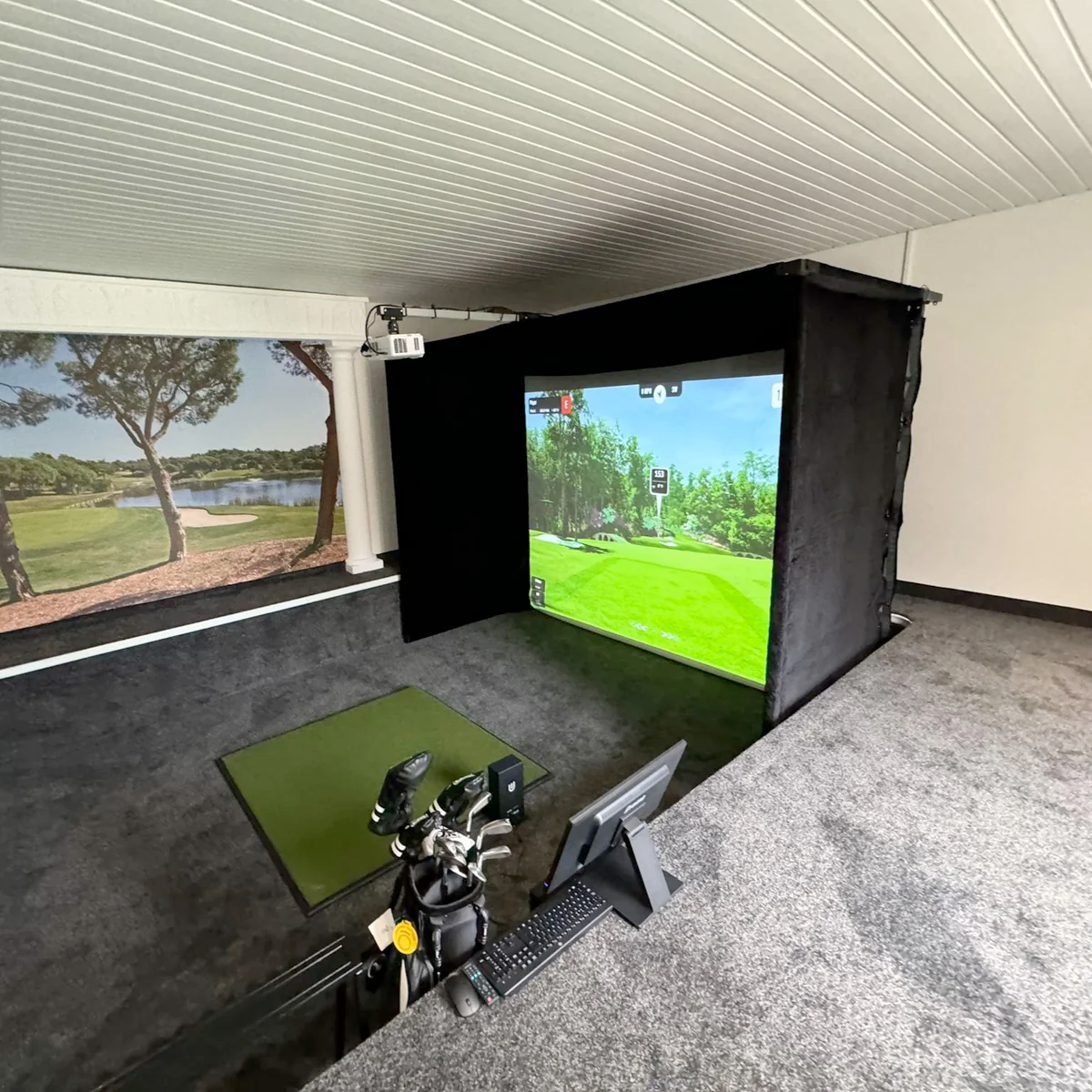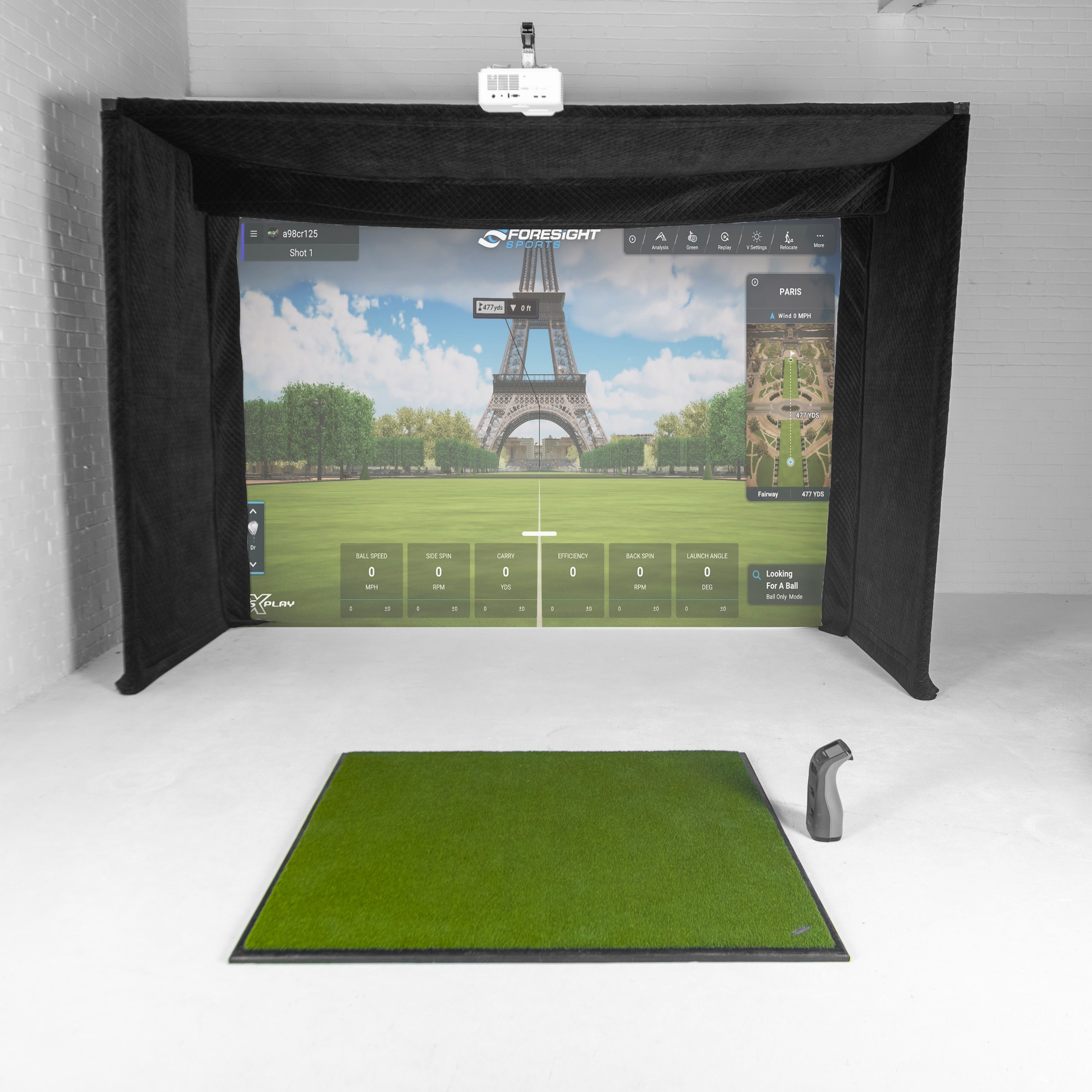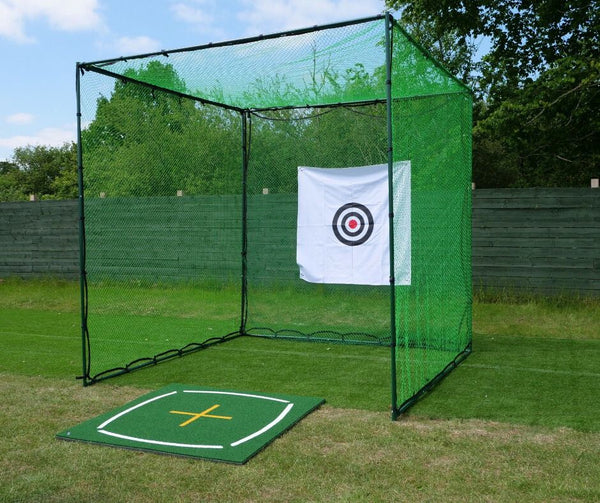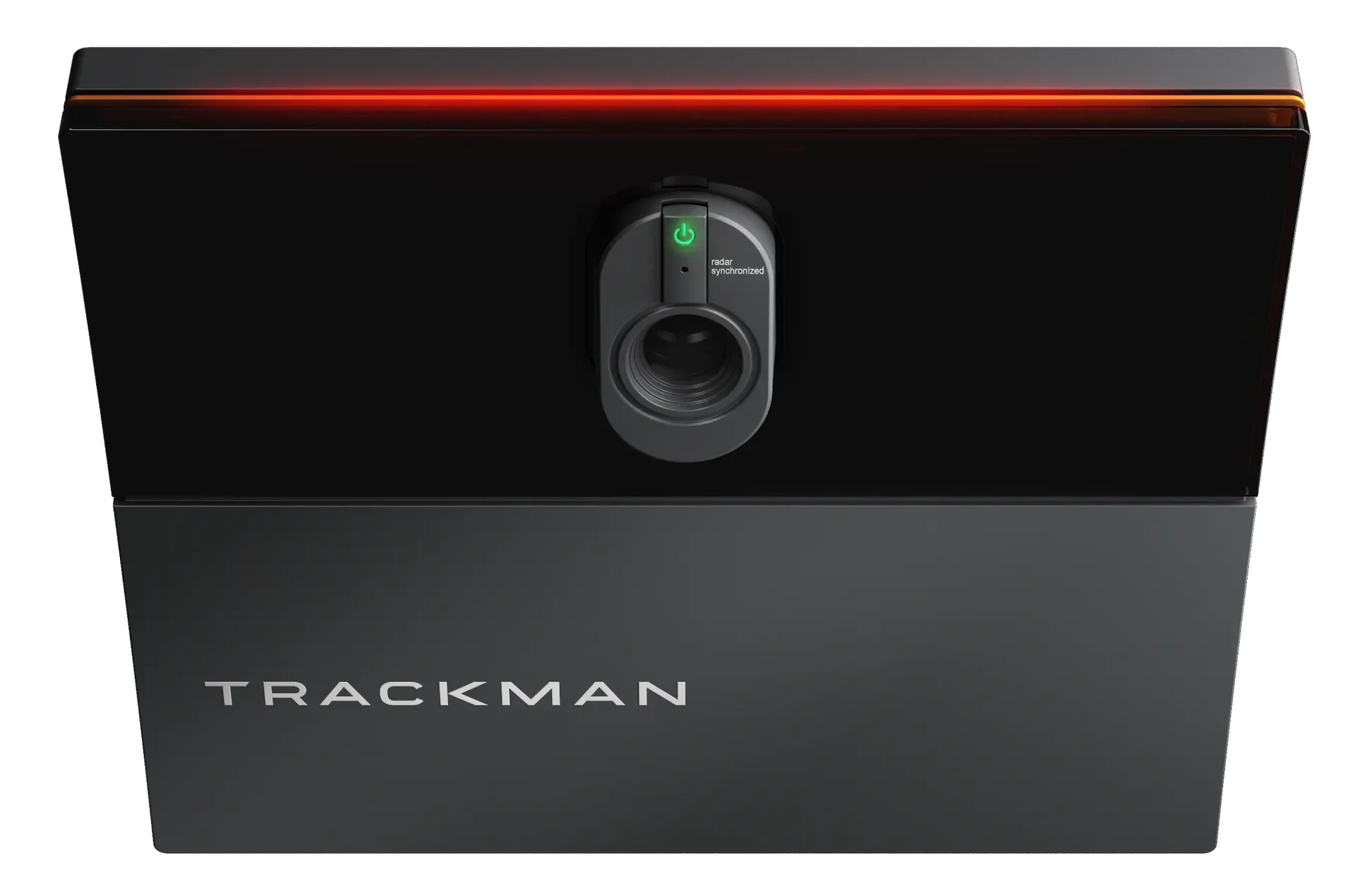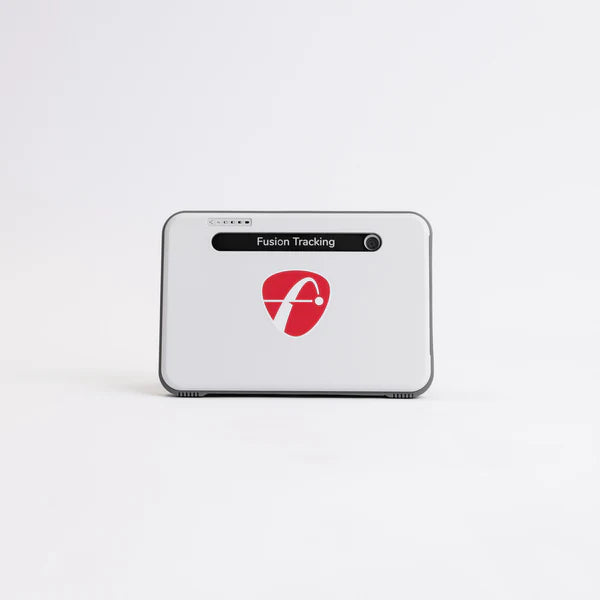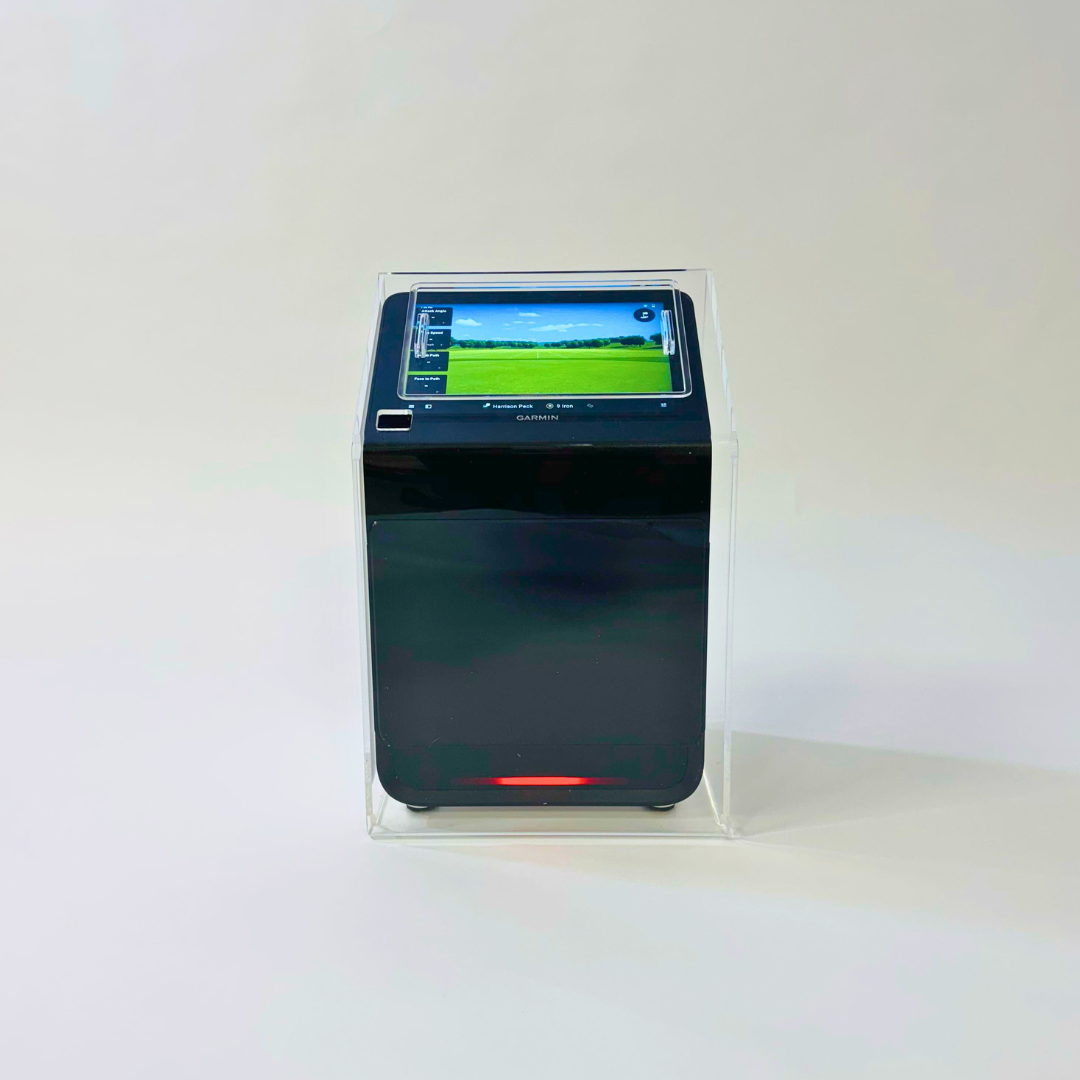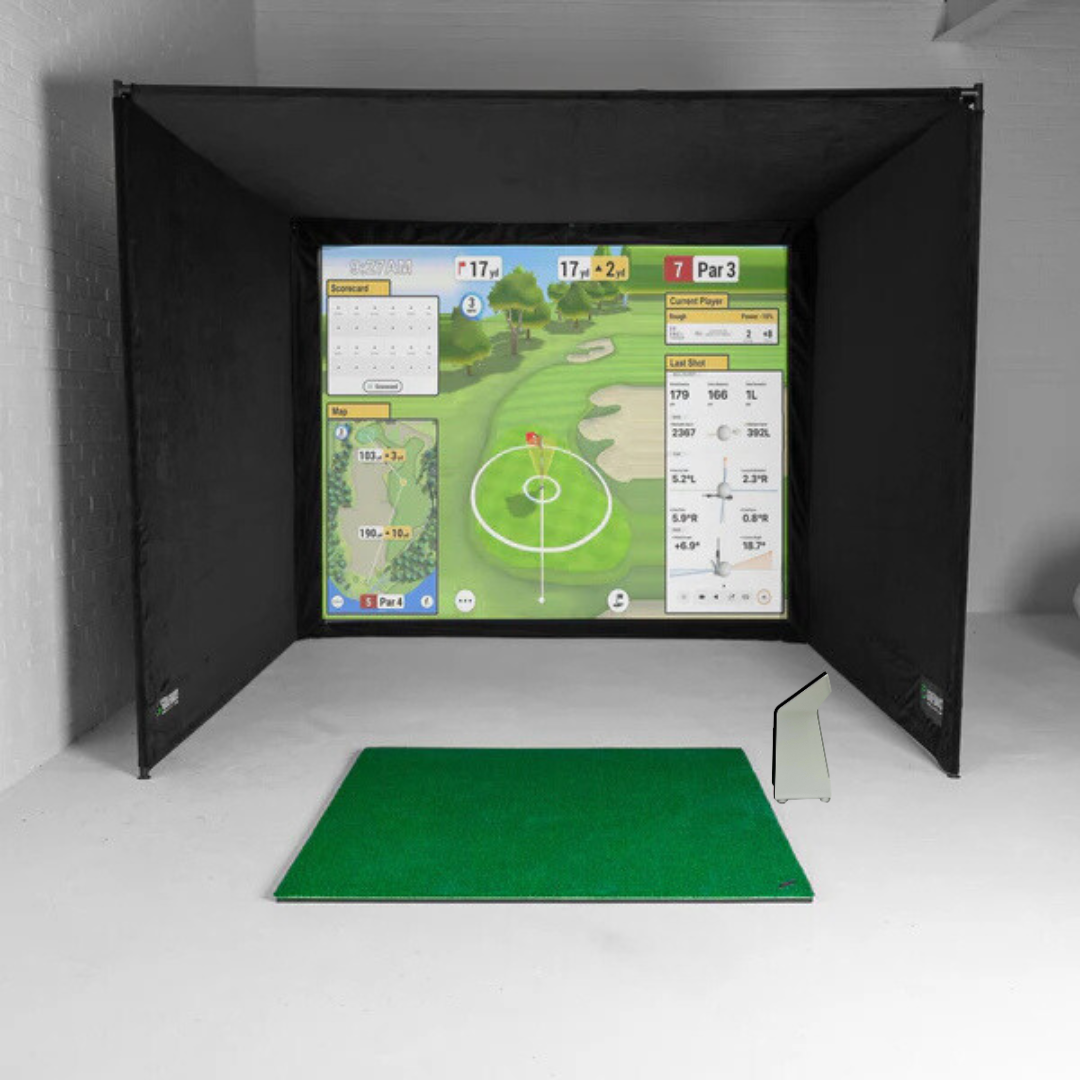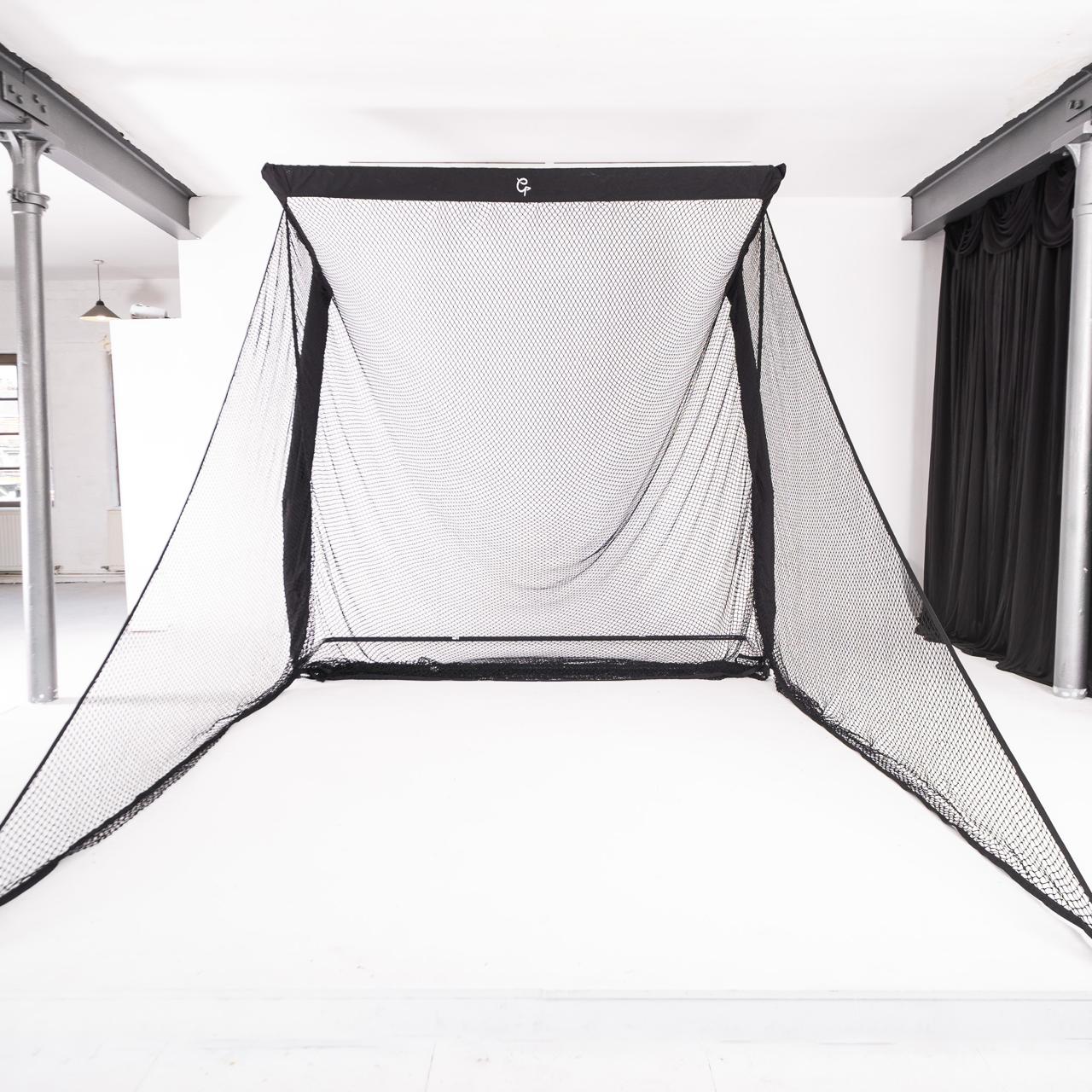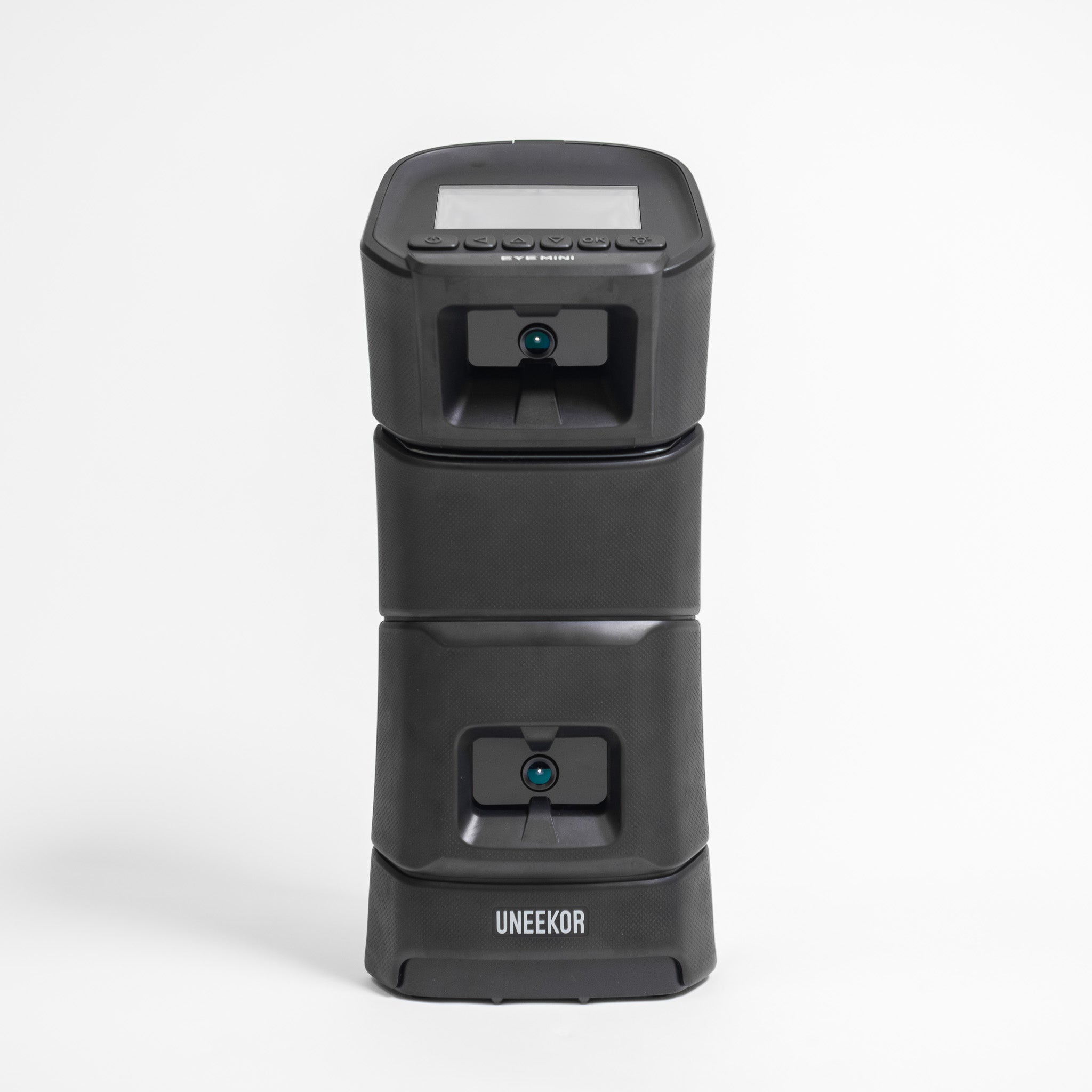

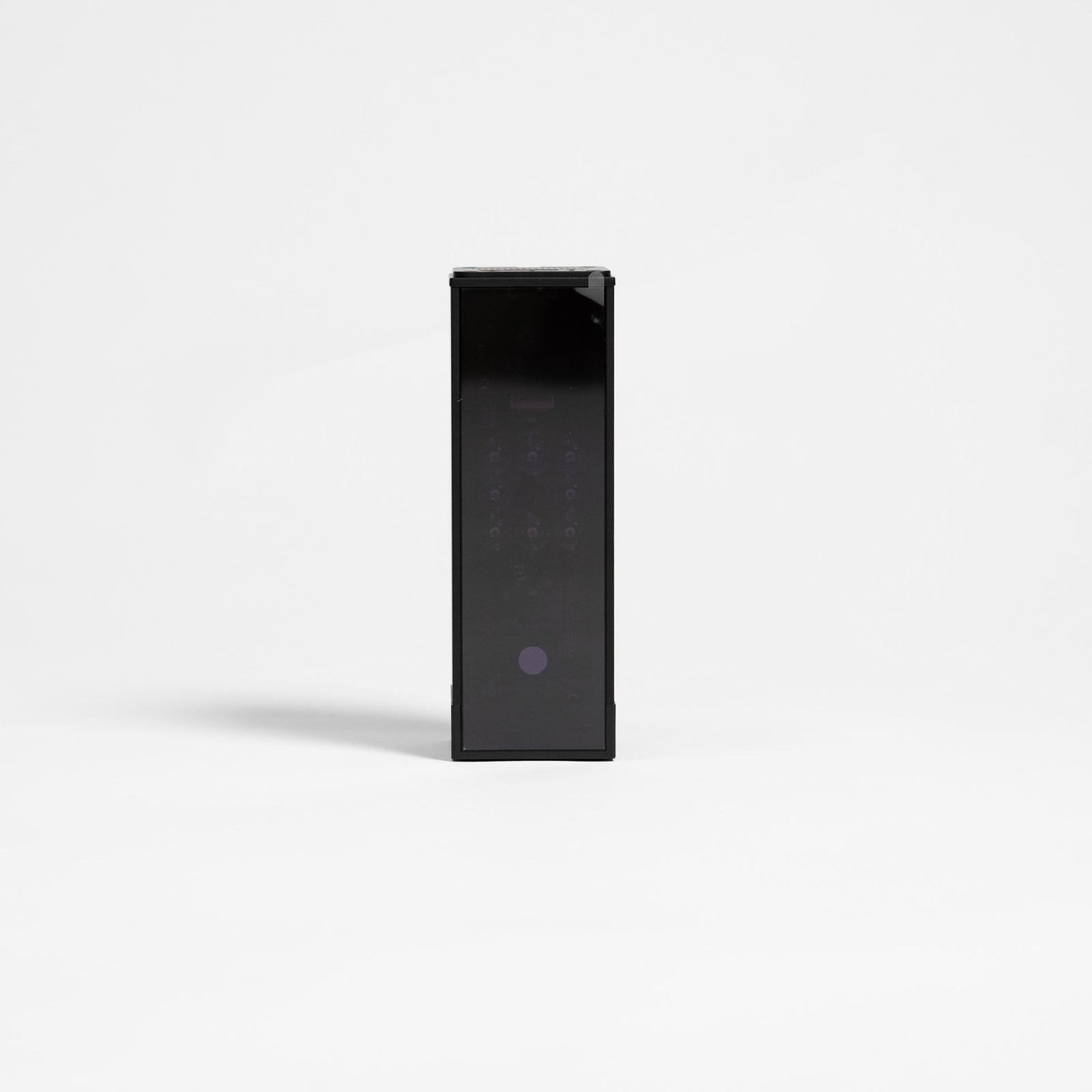




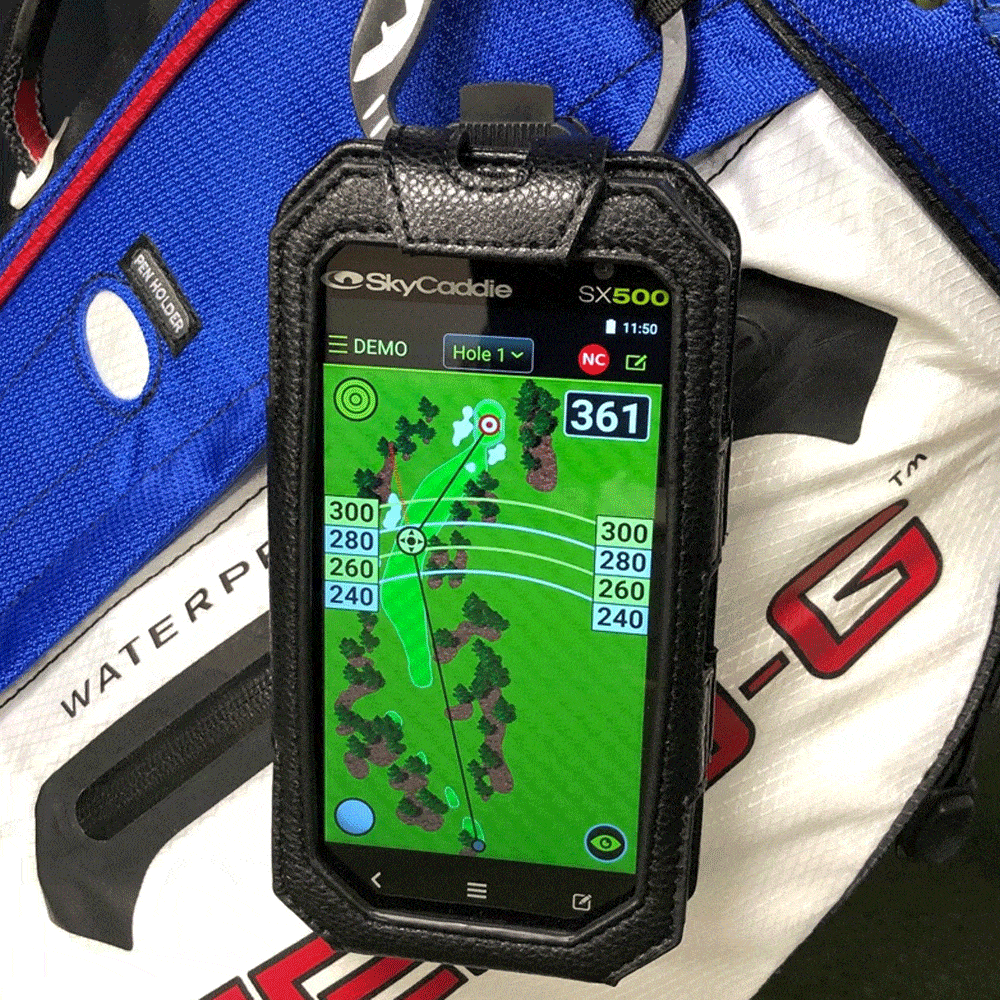



The Garmin Approach R10 is a portable radar launch monitor that sits 1.8m to 2.4m behind the ball and sends the numbers for every shot to your phone or tablet. It's £421 from us. Here's what it measures and what it works out, what independent tests found, the room it needs, what the software costs in pounds, and every R10 setup we sell, from a garden net to a full simulator.
Quick summary
- At £421, the Garmin R10 is worth it for ball speed, driver club speed and carry, and weaker on face angle, club path and face-to-path, where Golf Insider UK's test against a TrackMan 4 found average errors of 1.4° to 3.8°.
- Its radar measures ball speed, launch angle, launch direction and club head speed, and the R10 works out spin, club path, face angle and attack angle from what the radar saw, with indoor spin calculated unless you hit Titleist RCT balls.
- Indoors it goes 1.8m to 2.4m behind the ball with at least 2.4m of flight to the screen, so plan on a room 5m deep, 3m wide and 2.8m high.
- The numbers and the driving range are free in the Garmin Golf app, and Home Tee Hero's 43,000+ courses and saved swing videos need a Garmin Golf membership at £89.99 a year or £8.99 a month.
- From us it's £421 on its own, £530 with a garden net, £899 or £905 in a practice net bundle, £1,657 in an EasySim package and £1,910 to £2,319 in a SimBox package.
- A complete 3m SimBox bay with a short throw projector comes to £2,937.98, or £3,207.95 over 3 years with the Garmin Golf membership.
Is the Garmin R10 worth buying?
Yes, for most golfers who want their numbers at the range or a first simulator in a garage or room 5m deep. It's less of a buy if your room is shorter than that, or if you're working on face and path, where its club numbers run a few degrees out.

The Garmin Approach R10 is £421, and the box holds a tripod stand, a phone-clip mount, a carrying case and a charging cable.
| What it does well | Where it falls short |
|---|---|
| Ball speed, driver club speed and carry close to a TrackMan 4 in Golf Insider UK's test | Face, path and face-to-path 1.4° to 3.8° out on average in the same test |
| Up to 10 hours on a charge, at the range or in the garden | Sits 1.8m to 2.4m behind the ball, so a simulator room wants 5m |
| Shot numbers and Driving Range sessions free in the Garmin Golf app | Home Tee Hero's courses need Garmin Golf, £89.99 a year |
| £421, £128 less than the Rapsodo MLM2PRO | Indoor spin is calculated unless you hit RCT balls |
Measure the room before you order, because a garage 4m deep turns a good £421 launch monitor into an expensive phone stand.
What does the Garmin R10 measure?
Ball speed, launch angle, launch direction and club head speed come straight from the radar. Spin rate, spin axis, club path, face angle, face-to-path and angle of attack are worked out from what the radar saw, and carry, total distance, apex height and deviation come from the flight model. Smash factor is ball speed divided by club speed.
The split matters, because most of the error sits in the worked-out numbers.

Swing video comes from your phone. In a Driving Range session, Garmin's Swing Capture records your swings with the paired phone's camera and links each video to that shot's numbers. Garmin's membership page lists storing those clips as a membership feature.
Driving Range mode in the free Garmin Golf app keeps the stats for each session, and you can change the club on a shot or delete one the R10 misread.
The catch: indoors, in standard use, the R10 calculates spin, and that estimate feeds the carry number. Titleist validated its Pro V1 and Pro V1x RCT balls on the R10. They're £70 a dozen, the dearest balls you'll ever hit into a net.
How accurate is the Garmin R10?
Close to a TrackMan 4 on ball speed, club speed with the driver and carry, and a few degrees out on face angle, club path and face-to-path. That's what Golf Insider UK's test of the R10 against a TrackMan 4 found. PGA pro Will Shaw ran it with RCT balls throughout, and the review was published in 2023 and updated in May 2024.
| Golf Insider UK, average error against TrackMan 4 | Driver | 7-iron | Pitching wedge |
|---|---|---|---|
| Face angle | 2.76° | 2.04° | 1.51° |
| Club path | 2.98° | 3.77° | 3.09° |
| Face to path | 3.50° | 1.73° | 1.39° |
| Angle of attack | 1.91° | 1.60° | 0.06° |
| Smash factor | 0.02 | 0.05 | 0.06 |
Golf Insider found club head speed nearly perfect with the driver and reading high with irons and wedges. Direction was generally within 5 yards on wedge shots, and the error grew as the clubs got longer. The R10 gives no strike location.
They put the angles into yards, too: a 4° change in face-to-path on a 180-yard 6-iron adds about 16 yards of curve.
MyGolfSpy's 2022 launch monitor test ran 13 units and was written up in 2023. It scored the R10 85 out of 100 for accuracy, with carry within 3% to 4% of a Foresight GCQuad and spin as its weak point. Garmin added support for RCT balls in R10 software 4.30 in September 2022.
So trust the ball speed, the driver club speed and the carry shot by shot. Read face, path and indoor spin without RCT balls as a trend over a session of shots. The R10 tells you where the ball went more reliably than why it went there.
✓ Do this
Over a bucket of 7-irons the ball starts on line and curves right, and face-to-path reads 3° to 5° open on most of them. The numbers and the ball flight agree, so that's a pattern worth working on.
✕ Not this
One 7-iron reads 1.5° open, so you change your grip before the next ball.
How far behind the ball should I place my Garmin R10?
1.8m to 2.4m behind the ball, on the ground on the target line, with the ball at least 2.4m from the net or screen indoors, as Garmin's R10 owner's manual sets out.
The tee doesn't have to sit in one exact spot. Garmin allows a 0.6m x 0.6m hitting area that starts 1.8m from the R10, up to 0.3m either side of the target line, so you can move the tee when one patch of the mat wears through.
How much room does the Garmin R10 need indoors?
4.2m to 4.8m from the R10 to the screen at Garmin's distances, so plan on a room 5m deep, 3m wide and 2.8m high for a full driver swing. A 3m ceiling lets you swing without thinking about it.

Garmin's manual also asks for enough ceiling height for your backswing and follow-through, free space behind the net or screen, a net or screen high and wide enough for high or wayward shots, and padding on any frame the ball could hit. Screen size is your call, and the distance to it is Garmin's.
GolfBays tip
Give it 3m to the screen if the room allows. Golf Insider UK's tester needed 3m (10ft) to the net to get consistent data, against Garmin's minimum of 2.4m. With the R10 at the near end, 1.8m behind the ball, that's 4.8m from the R10 to the screen, which is why we plan R10 rooms at 5m.
How do you set up the Garmin R10?
- Charge it. A full charge lasts up to 10 hours.
- Pair it in the Garmin Golf app. The first time you switch it on, it goes into pairing mode with a solid blue light. In the app, go to Profile > My Devices > Add Device.
- Stand it on its tripod 1.8m to 2.4m behind the tee, on the target line, with its bottom edge above the mat if you hit off one. Lay a club on the floor to check the line.
- Type in the exact distance from the R10 to the tee when the app asks, and set the weather conditions to where you play. Garmin says carry distances can look wrong when the weather settings don't match.
- Wait for the status light to flash green, then hit.
- Check it with a few short, straight wedges. If the launch direction in the app doesn't match the shot, turn the R10 until it does. Garmin's manual says an alignment several degrees out puts the numbers several degrees out.
✓ Do this
The R10 on its tripod on the target line, 1.8m to 2.4m behind the tee, its bottom edge above the mat, the exact distance typed into the app, and a club on the floor to check the line.
✕ Not this
The R10 on the floor below a raised mat, a couple of paces back by eye, pointed at the middle of the screen while the tee sits off-centre.
Does the Garmin R10 require a subscription?
Not for the numbers. The R10 works without a subscription for shot data and Driving Range mode in the free Garmin Golf app. Garmin's manual ties the membership to Home Tee Hero's courses and the weekly virtual tournament, and Garmin's membership page adds stored video clips of your shots.
| What you want to do | Garmin Golf membership? | What it costs |
|---|---|---|
| Shot numbers and Driving Range sessions | No | Free in the Garmin Golf app |
| A Home Tee Hero round on 43,000+ courses | Yes | £89.99 a year or £8.99 a month |
| Practice on a Home Tee Hero course | Yes | The same membership |
| The weekly virtual tournament | Yes | The same membership |
| Storing video clips of your shots | Yes | The same membership |
| GSPro on a Windows PC | No Garmin step in GSPro's set-up | £250 a year, plus the PC |
How much is a Garmin Golf membership in the UK?
It's £89.99 a year or £8.99 a month, the UK price on Garmin's membership page, and it renews automatically. You buy it in the Garmin Golf app or the Home Tee Hero app. Paying monthly, a year costs £107.88, £17.89 more than the annual plan.
Home Tee Hero is a separate app that runs alongside Garmin Golf on your phone or tablet. Garmin's manual says the Garmin Golf app can go on a smart TV through your phone's screen mirroring.
The catch: the courses are the part you'd buy an R10 simulator for, and they stop when the membership does.
Which golf simulator software works with the Garmin R10?
Garmin's own Home Tee Hero, plus GSPro, Awesome Golf, E6 Connect and OpenGolfSim.
GSPro runs on a Windows 10 or 11 PC. The R10 pairs to the PC's own Bluetooth, or to a USB Bluetooth adapter if the PC has none, and you choose "Garmin R10" when you buy GSPro. GSPro's R10 connection guide says the R10 doesn't support putting, so you pick one of GSPro's auto-putt modes.

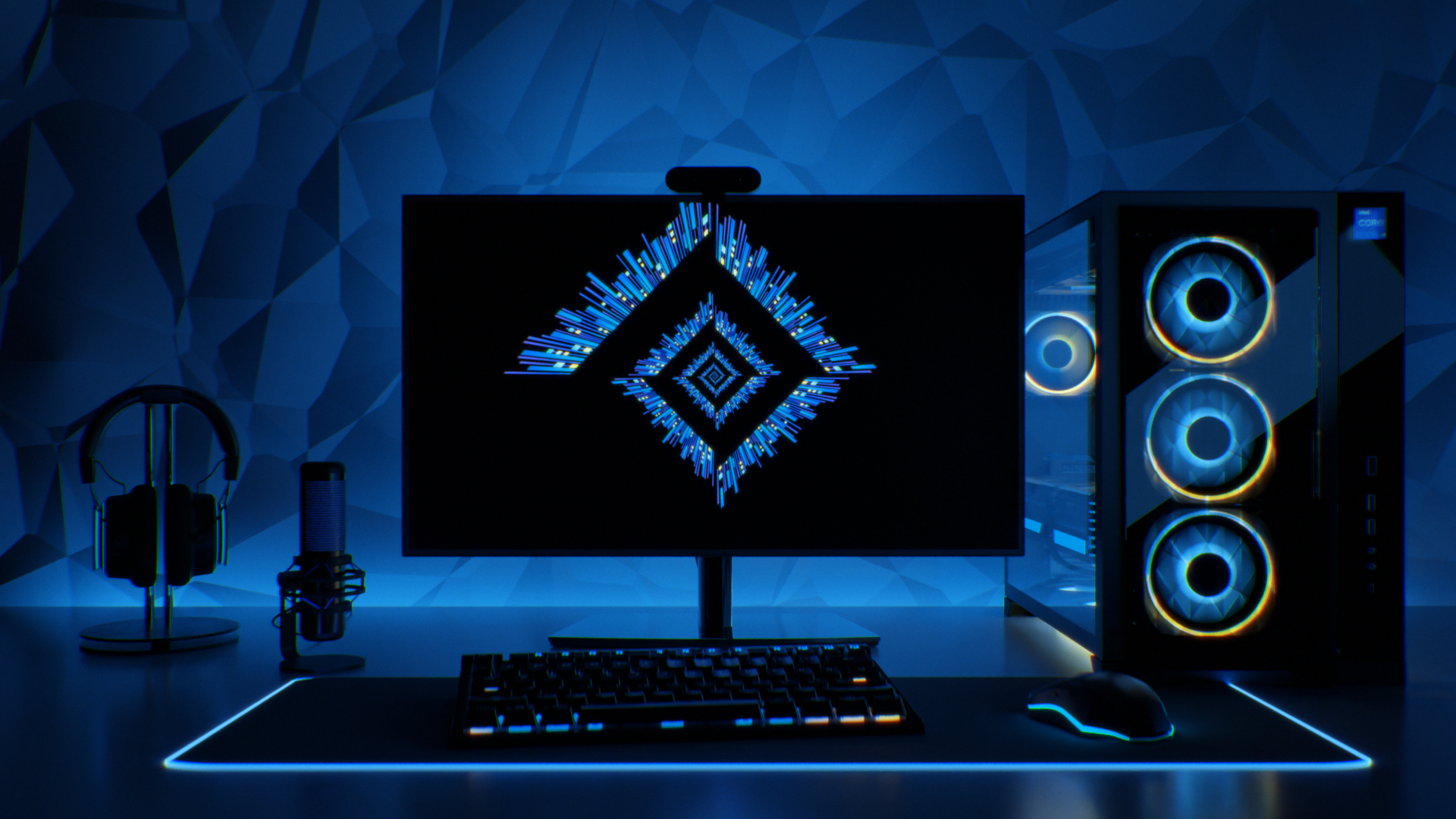
If you have an R10 and no Windows PC, our Gaming PC HD Spec is £1,790, with an Intel Core i7-12700KF and an NVIDIA RTX 5060 Ti graphics card.
Awesome Golf is £14.99 a month, £149.99 a year or £349.99 for life on Awesome Golf's UK price list, with a 14-day free trial. You buy it in its app once the launch monitor is connected.
E6 Connect runs on a PC or an iOS device, and TruGolf lists Garmin among the launch monitors it pairs with. OpenGolfSim is free and works with Garmin launch monitors.
Side by side, the yearly software bills come to £89.99 for Garmin Golf, £149.99 for Awesome Golf and £250 for GSPro, before the PC that GSPro needs.
How much does a Garmin R10 golf simulator cost in the UK?
£1,657 for the R10 EasySim package, £1,910 to £2,319 for an R10 SimBox package, and £2,937.98 for a complete 3m SimBox bay with a short throw projector. On its own the R10 is £421, and a practice net setup costs £530 to £905.
Here's every R10 setup we sell.
| Setup | What's in it | Room it needs | Price |
|---|---|---|---|
| R10 on its own | R10, tripod, phone mount, carrying case, cable | The range, or a net you already own | £421 |
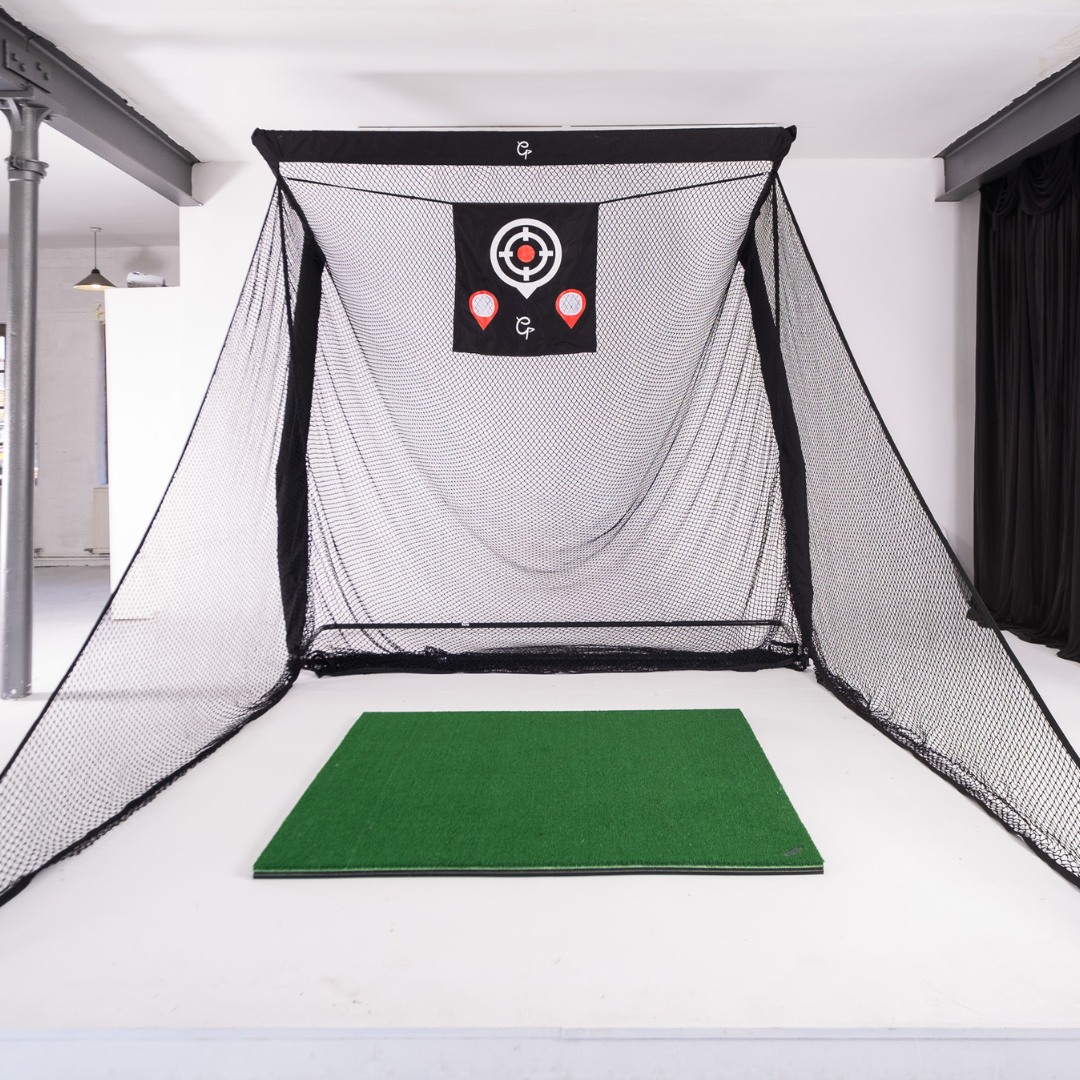
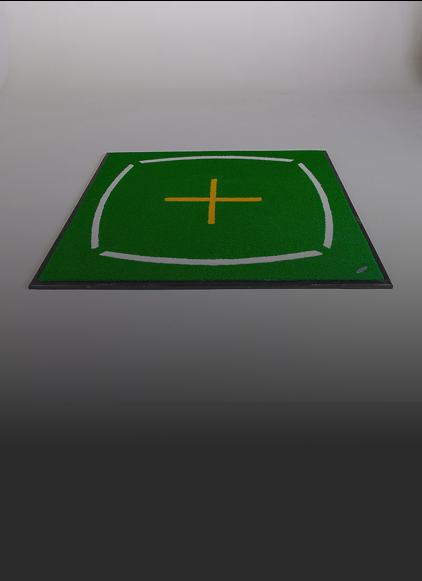
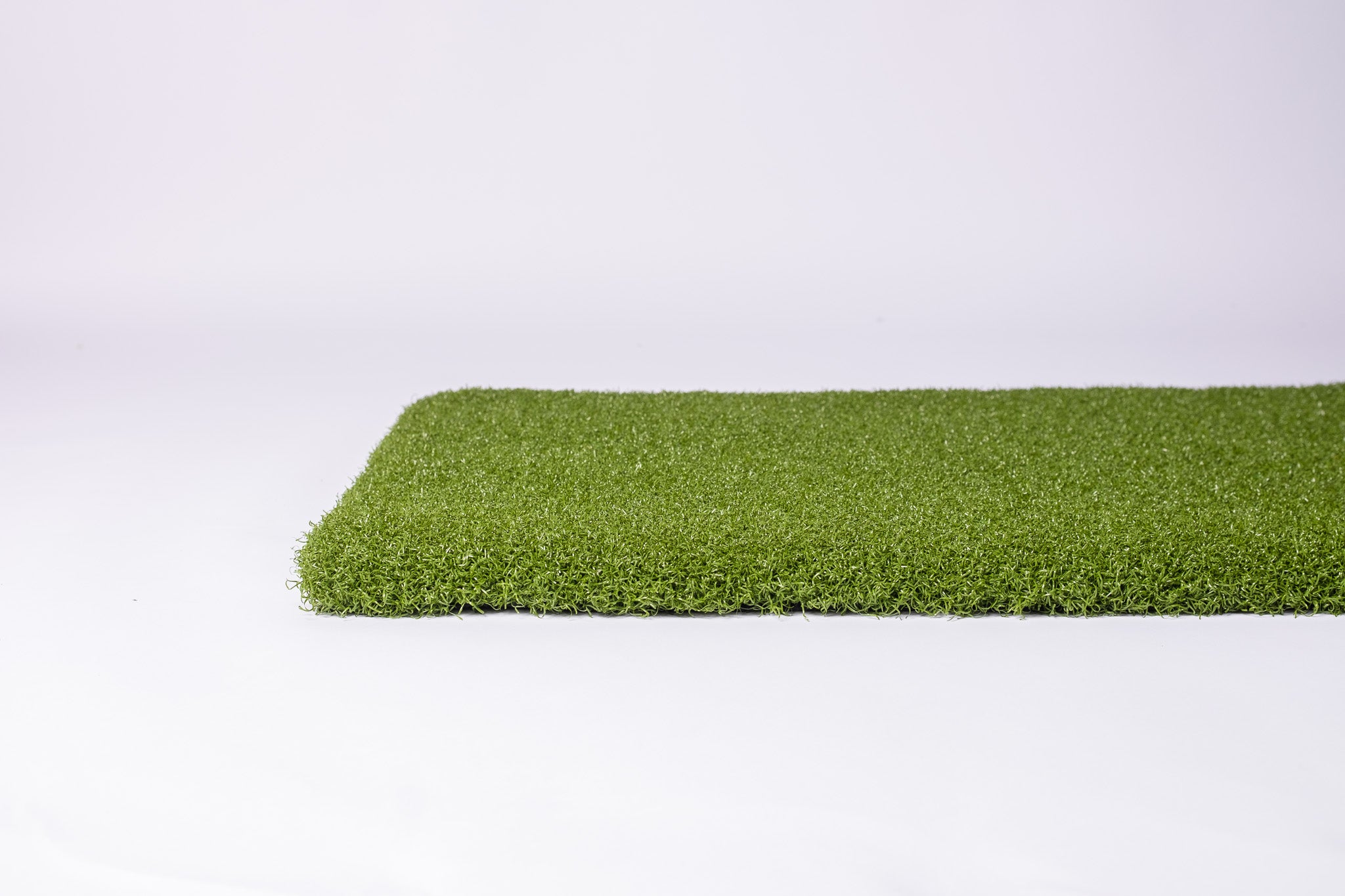
| Garden practice | R10, garden net, Tri-Turf mat | A lawn with 4.2m or more from net to R10 | £530 |
| EazyNet package, R10 version | EazyNet practice net and R10 | 4.2m to 4.8m from the net to the R10 | £899 |
| Spornia SPG-7 R10 bundle | SPG-7 net, target sheet, roof attachment, chipping basket, Basic hitting mat, R10 | 4.2m to 4.8m from the back of the net to the R10 | £905 |
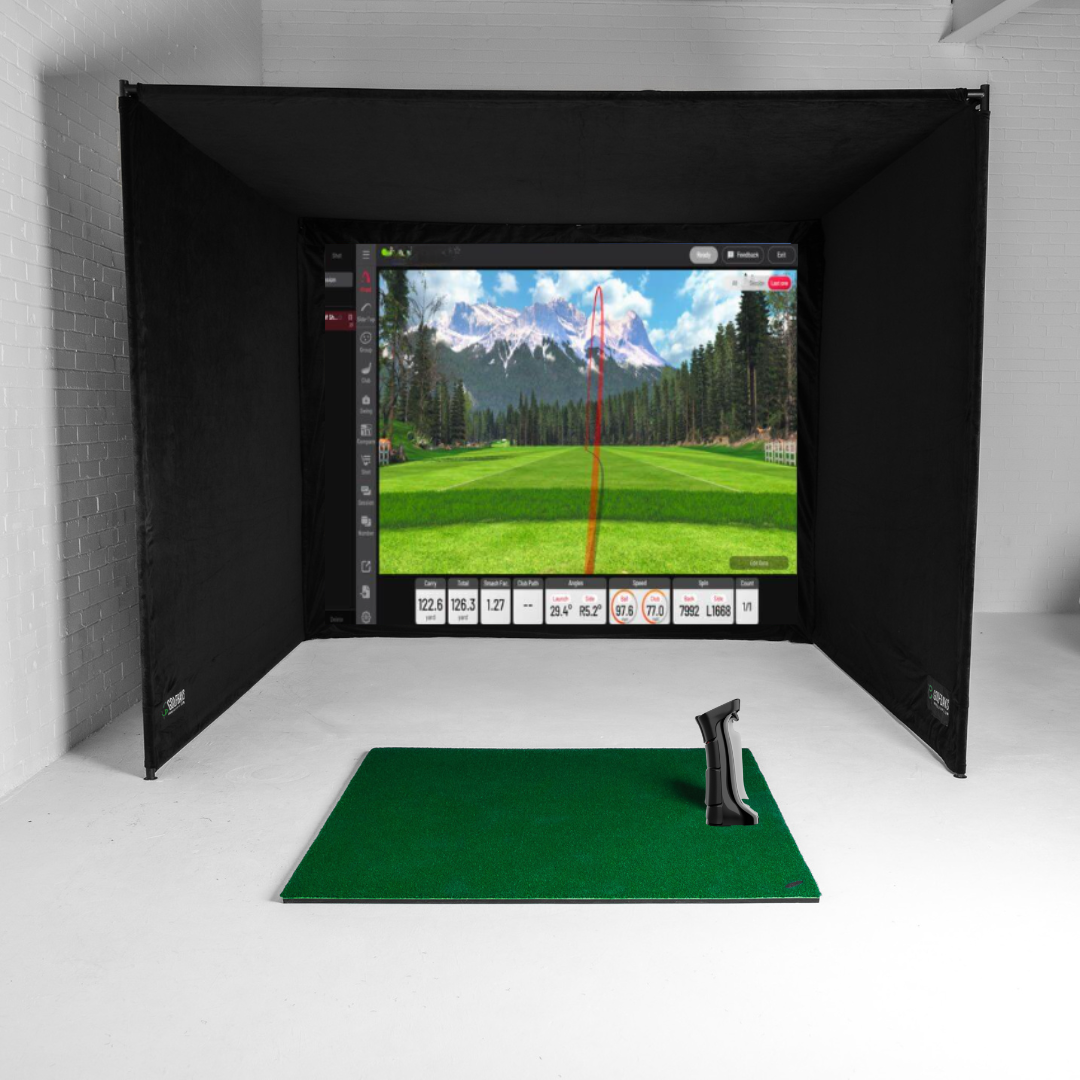
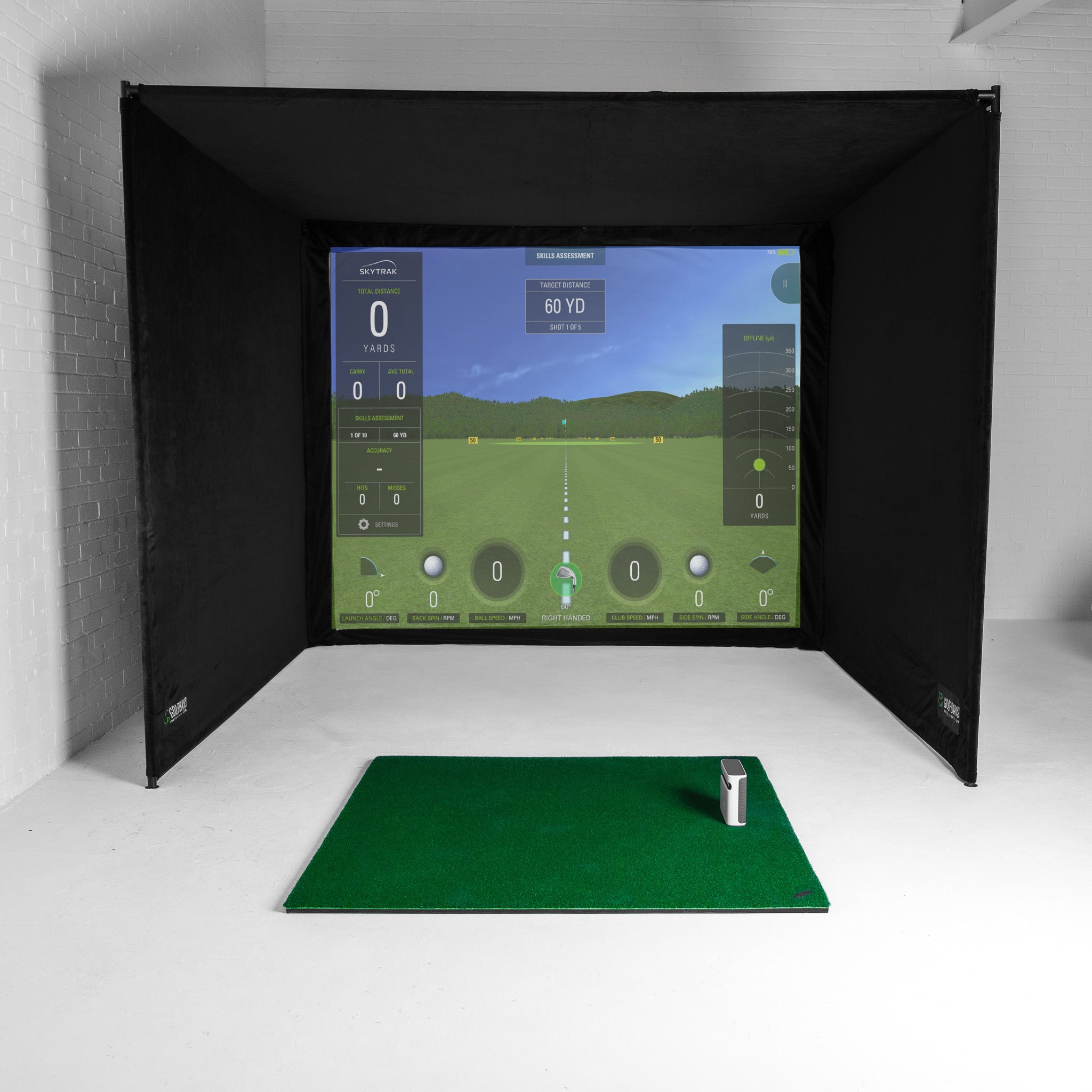
| R10 EasySim package | R10, EasySim enclosure 3.3m x 2.5m x 1m, Lite impact screen | 3.3m wide, 2.8m high, 5m deep | £1,657 |
| R10 SimBox package | R10, SimBox enclosure in 7 sizes | 3m wide, 2.8m high, 5m deep for the 3m size | £1,910–£2,319 |
The Garmin R10 with a practice net

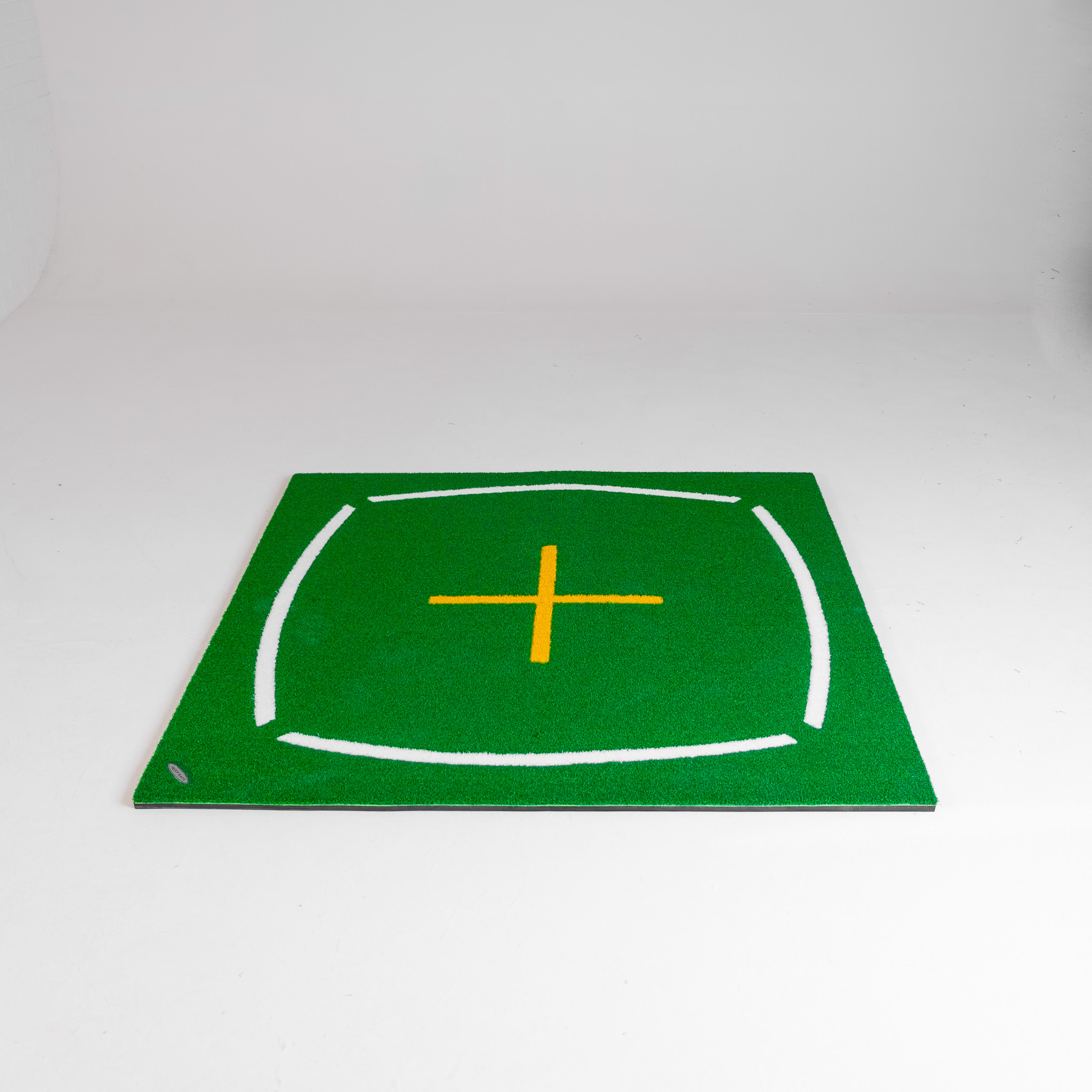
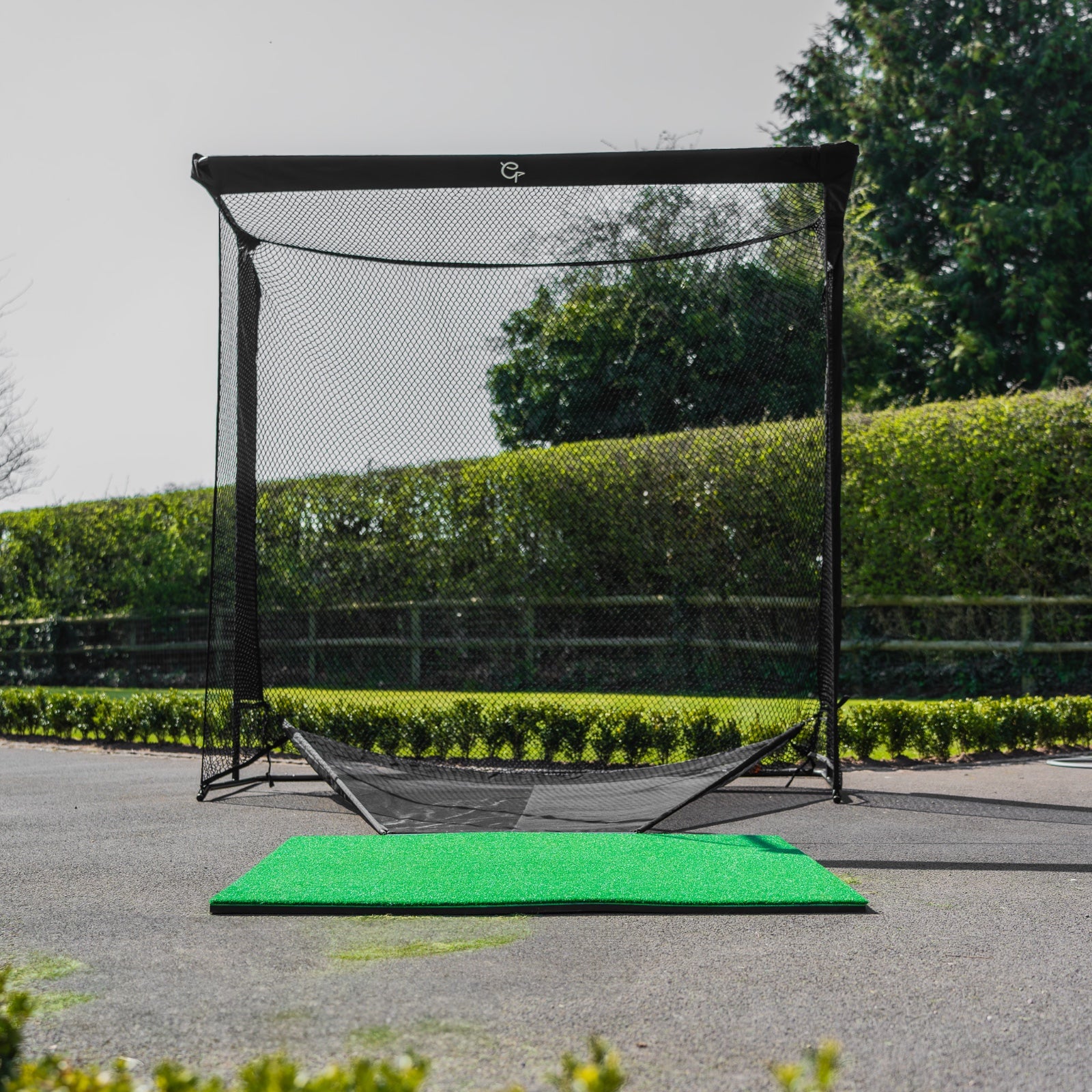
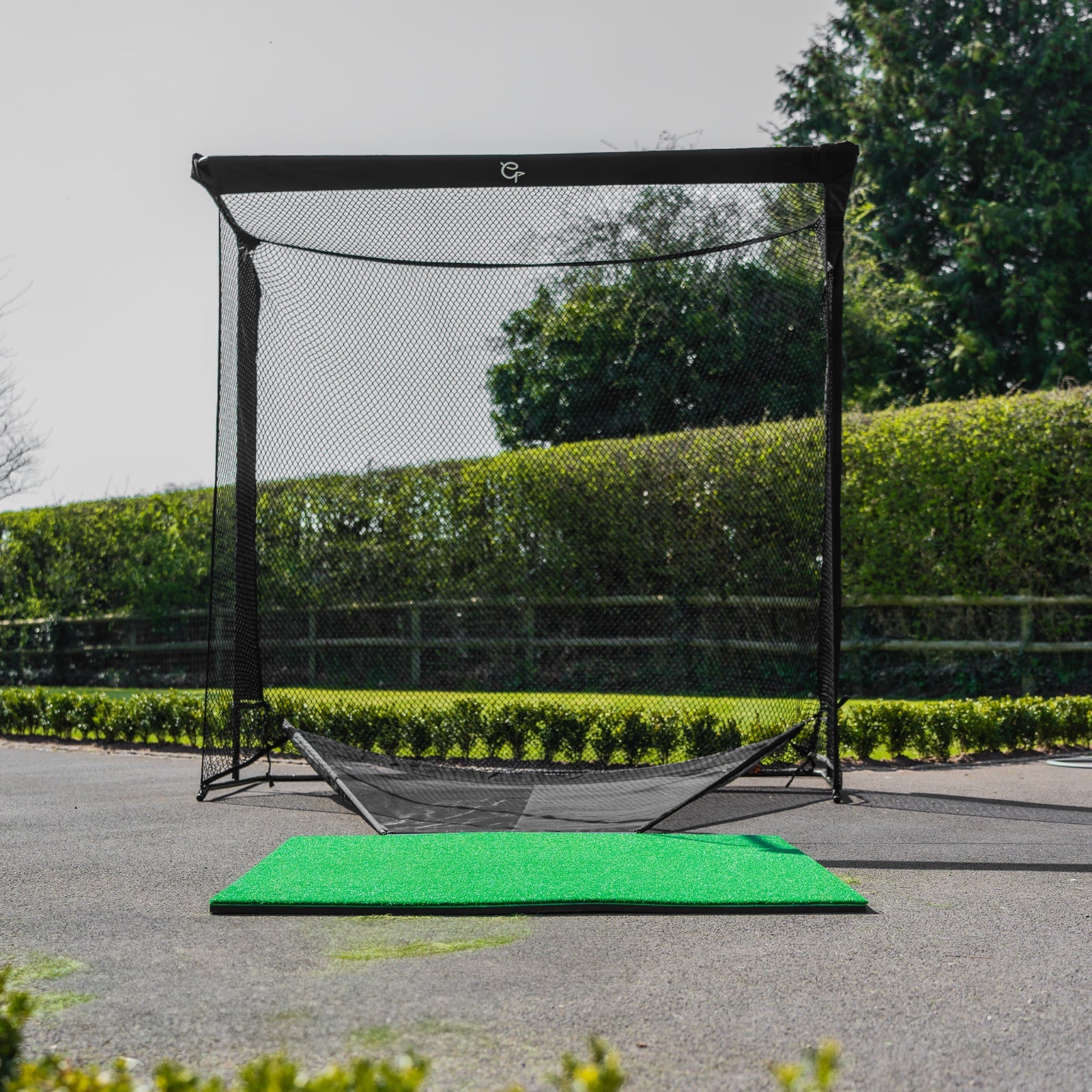
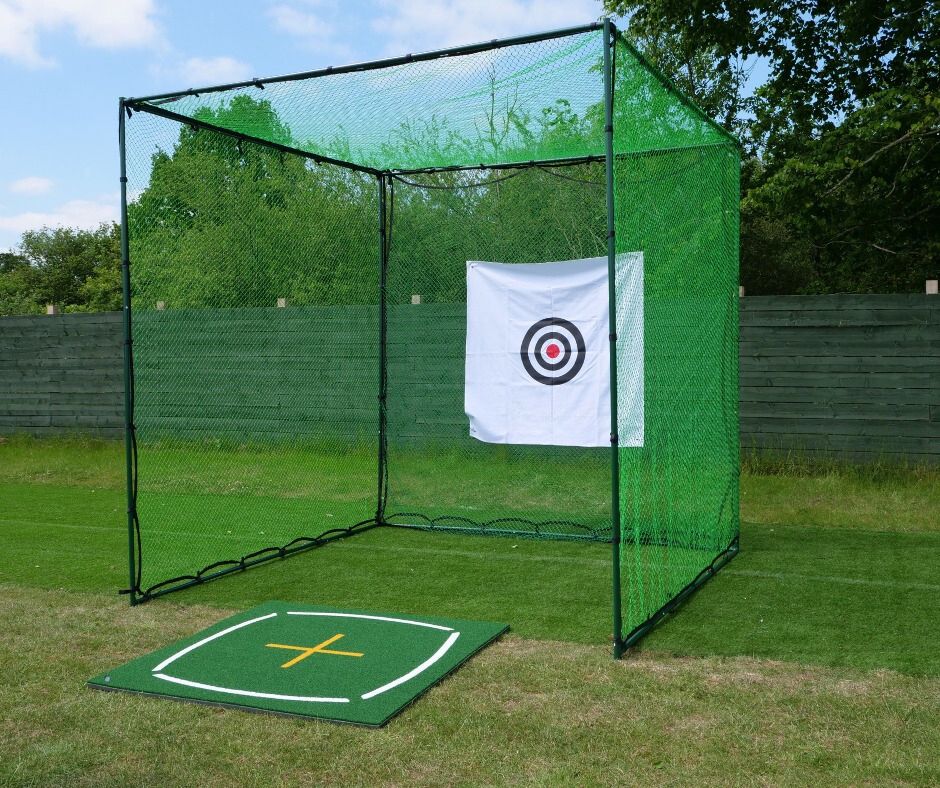
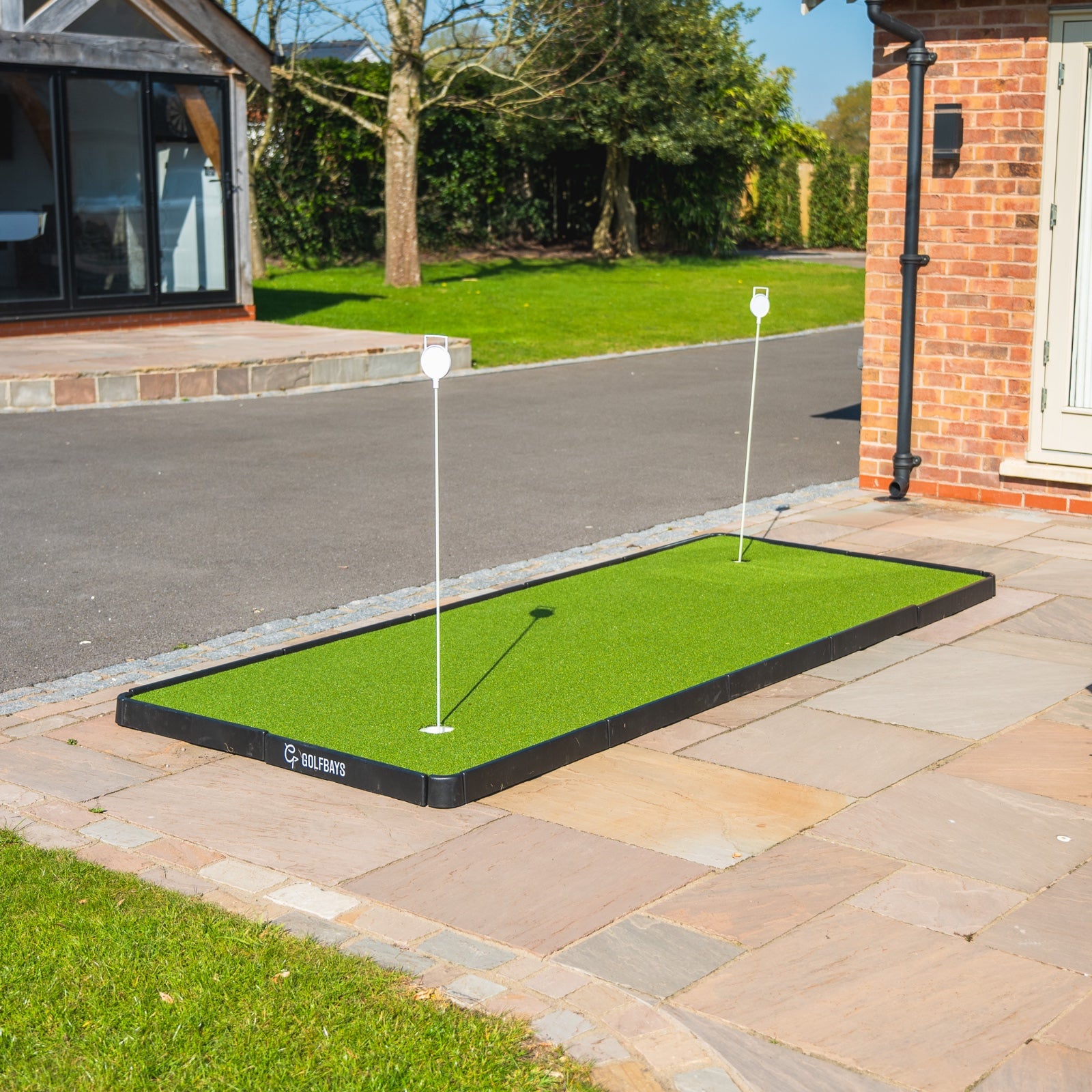
Our Outdoor Golf Practice Net For Garden is £109 in its Tri-Turf mat version. With the R10, a garden setup comes to £530.

The Spornia SPG-7 R10 bundle is £905. It puts the R10 with the SPG-7, a pop-up net about 2.1m wide, deep and high with a roof attachment for short irons and wedges.

The EazyNet Golf Practice Net Package is £899 in its Garmin R10 version, which pairs the EazyNet net with the R10.
The catch: a net bay still takes 4.2m to 4.8m of floor from the R10 to the netting the ball hits. The shot then plays out on your phone, where a 250-yard drive fits in the palm of your hand.
The Garmin R10 in a simulator package

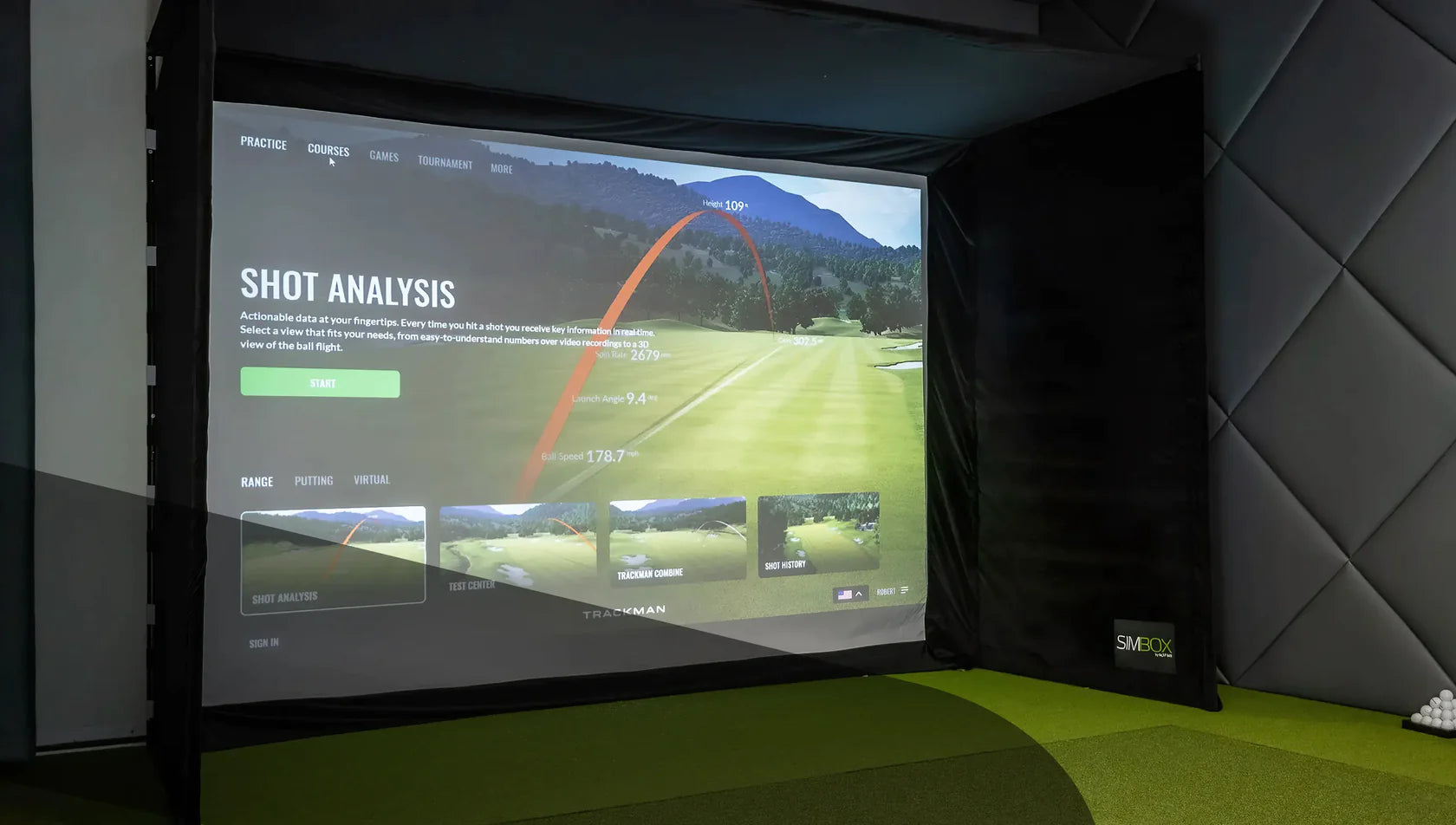
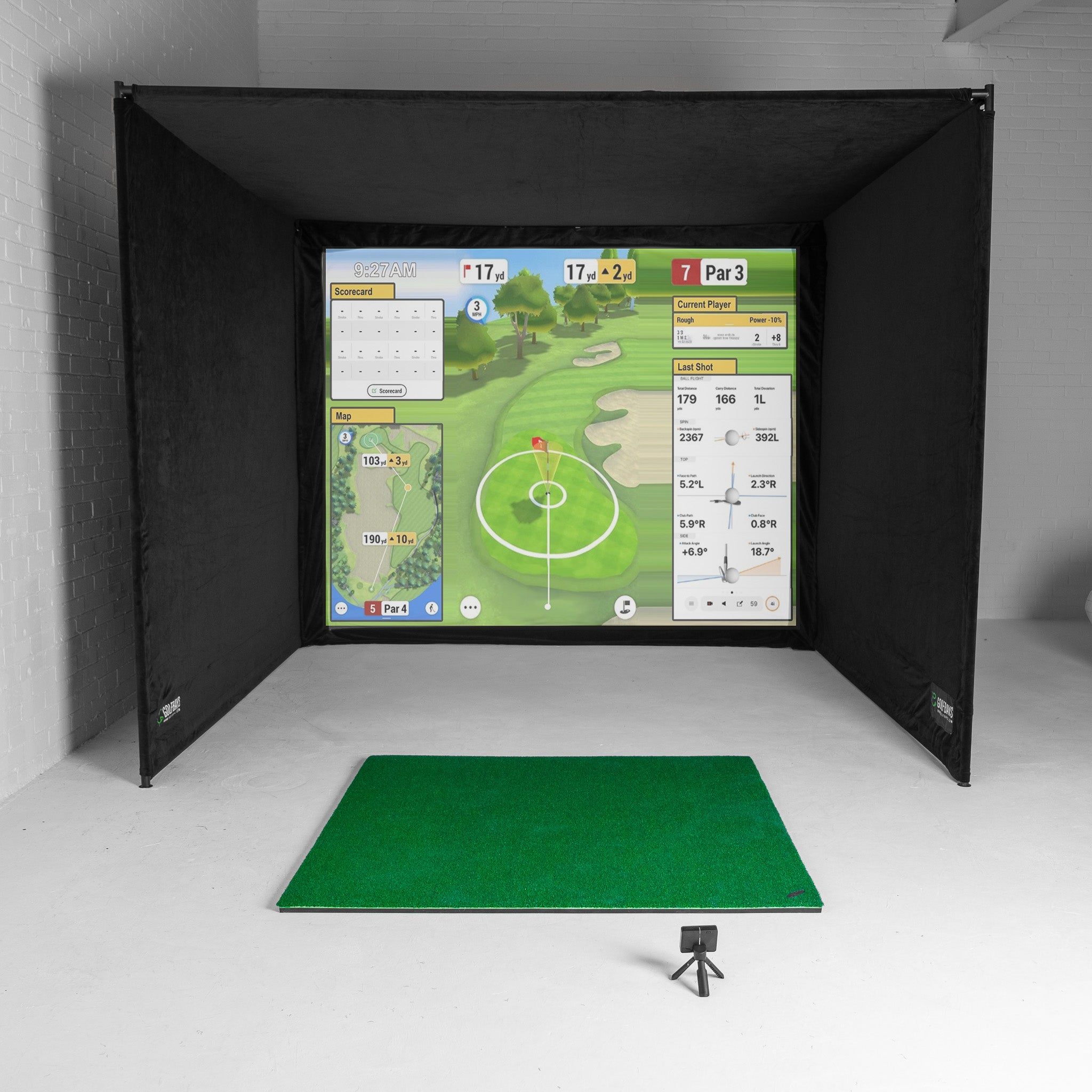
At £1,657, the Garmin R10 EasySim package is our cheapest simulator package. It's the R10 with our EasySim enclosure, 3.3m wide, 2.5m high and 1m deep, with all the poles, a black fabric surround and a Lite impact screen.

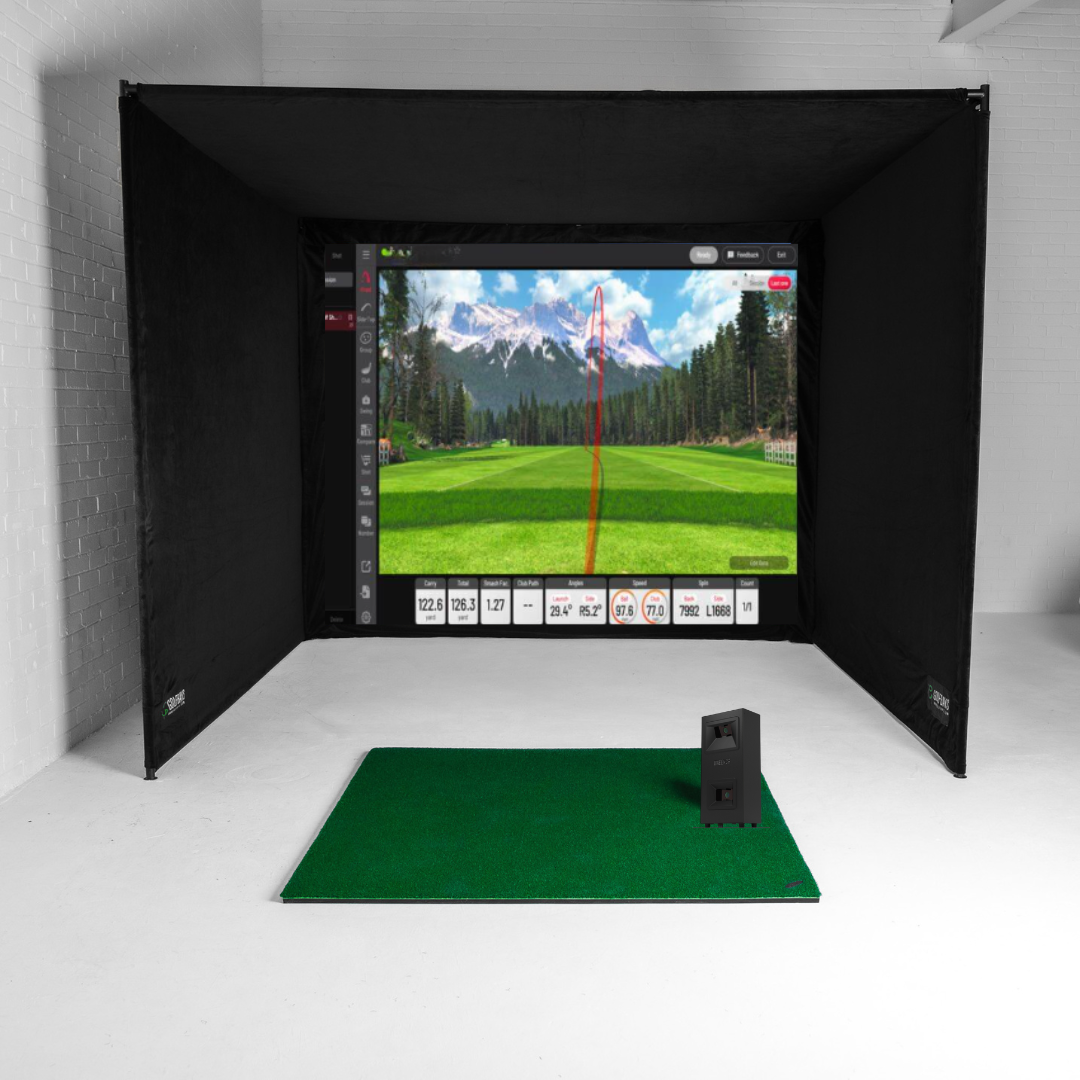
The Garmin R10 SimBox package puts the R10 in our SimBox enclosure, which clicks together without tools in under an hour. It comes in 7 sizes.
| Size (W x H x D) | Price | Where the tee sits at 2.4m from the screen |
|---|---|---|
| 2.6m x 2.5m x 1.5m | £1,910 | About 0.9m in front of the frame |
| 3m x 2.5m x 1.5m | £1,969 | About 0.9m in front of the frame |
| 3.6m x 2.5m x 1.5m | £2,019 | About 0.9m in front of the frame |
| 4m x 2.5m x 1.5m | £2,069 | About 0.9m in front of the frame |
| 3.8m x 2.8m x 1.5m | £2,119 | About 0.9m in front of the frame |
| 3m x 3m x 3m | £2,219 | Inside the frame |
| 4m x 3m x 3m | £2,319 | Inside the frame |
The catch: with the tee 2.4m from the screen, it sits about 1.4m in front of a 1m-deep EasySim and about 0.9m in front of a 1.5m-deep SimBox, so the side netting stops short of the ball. The 2 SimBox sizes 3m deep keep the tee inside the frame for £250 more than the same width at 1.5m deep, and at 3m tall they need a room taller than 3m.
What a complete Garmin R10 bay costs
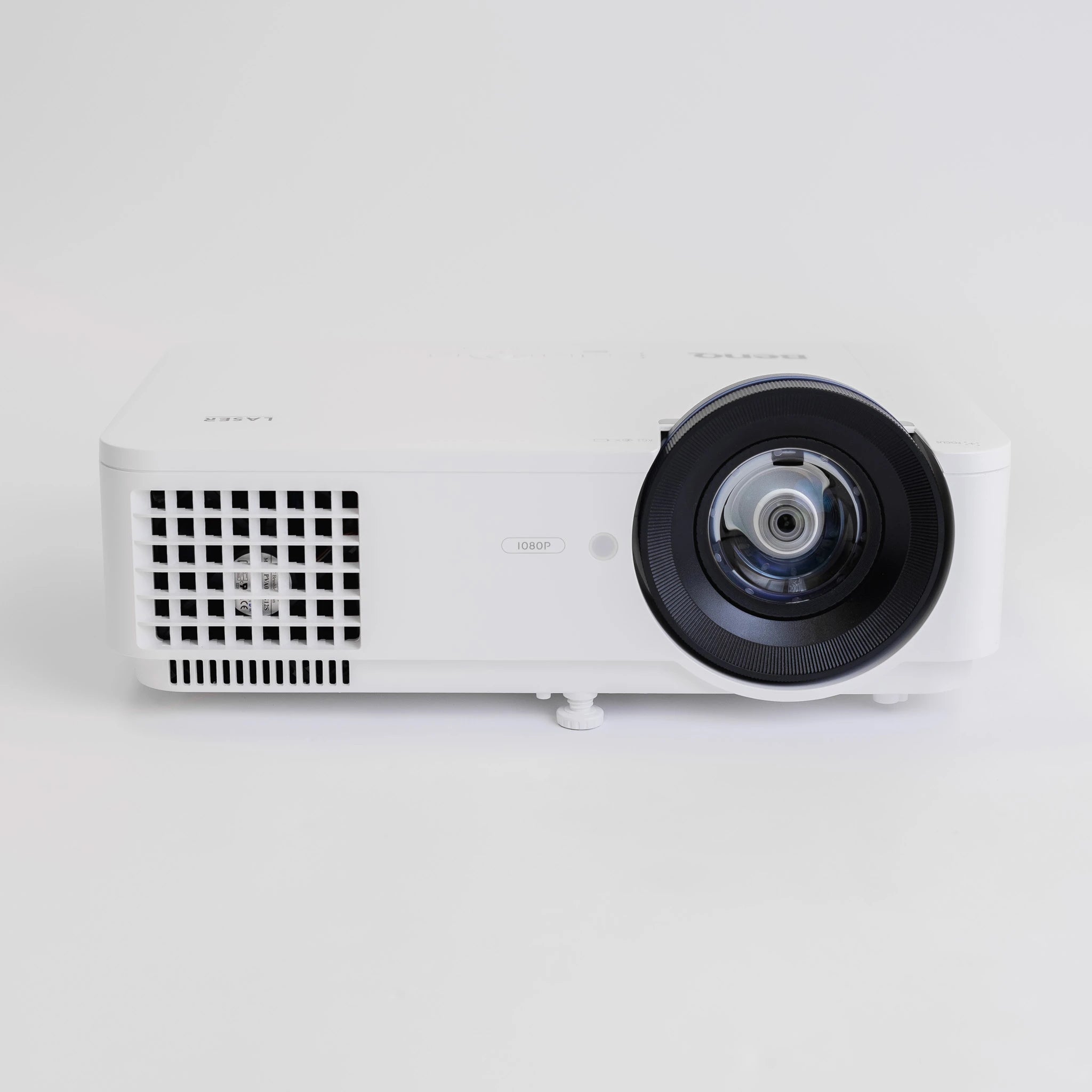
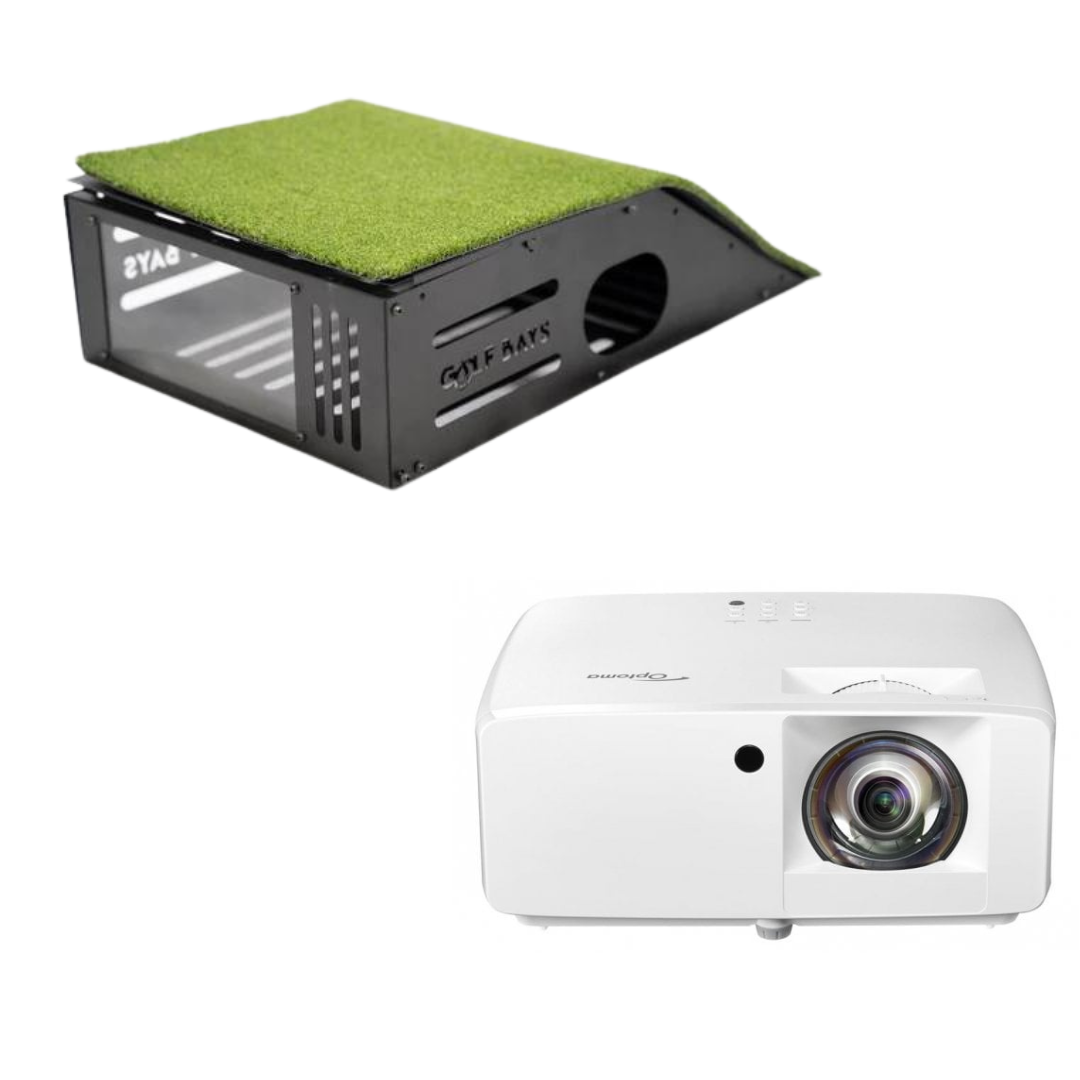
With a short throw projector, a 3m R10 SimBox bay comes to £2,937.98, inside the £2,800 to £3,000 a complete budget golf simulator costs.

The Optoma GT2200HDR is the £899 full HD short throw in that bay. With the mount and the cable, the projector kit is £968.98. In an R10 simulator, the R10 is the cheap part.
The Garmin R10 Protective Case

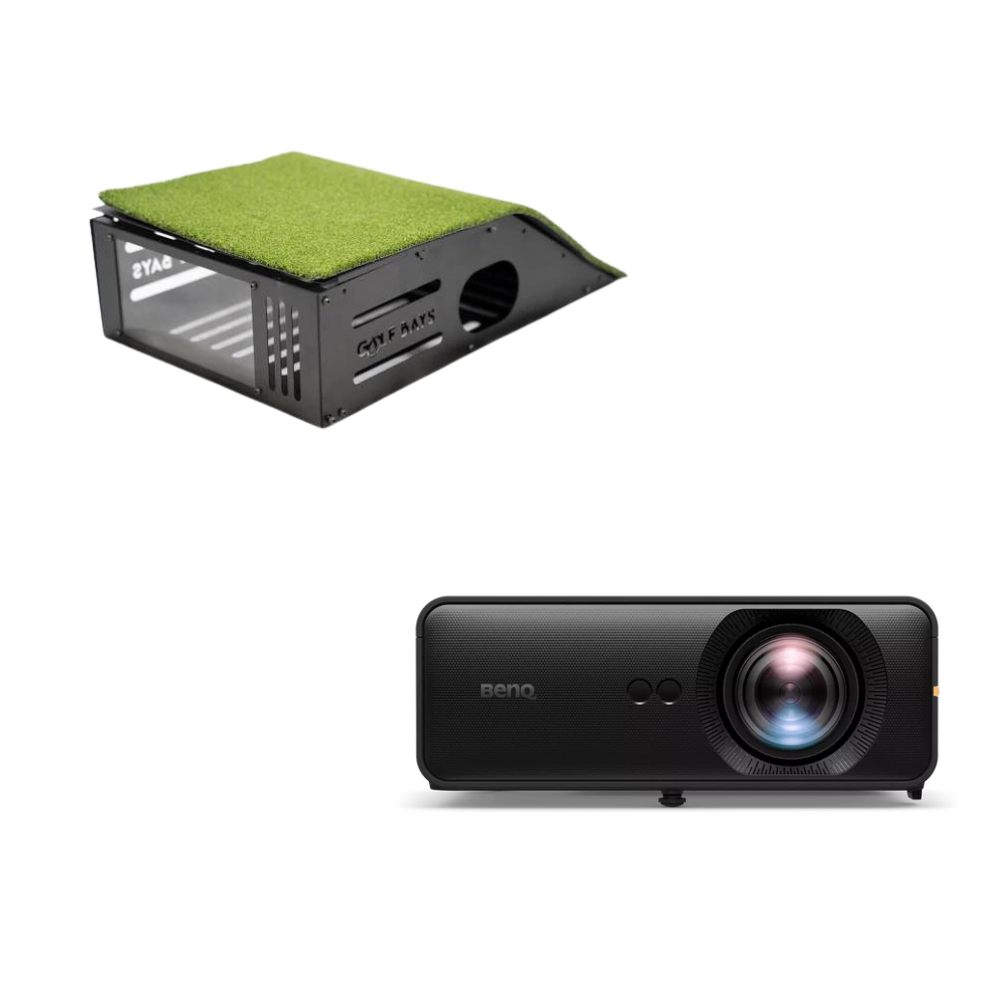
The Garmin R10 Protective Case is £69.99, for an R10 that stays set up in the bay. It's steel and plexiglass, built to take the impact of clubs and balls, and it fits the R10 and nothing else.
Watch out: a launch monitor that's been switched on can't come back
Our returns policy takes a launch monitor back only if it's unopened and unused in its original packaging, even inside the 30-day window. Measure the room before you open the box: 5m deep for an R10 simulator, and 4.2m from the net to the R10 for a net bay.
Not sure your room is deep enough for an R10?
Send us the room's height, width and depth, and we'll tell you where the tee and the R10 go and which package fits. It's free.
Book a free consultationWhat problems do Garmin R10 owners report?
Missed shots with the driver, woods and hybrids, mostly into a net or screen at home, and the R10 dropping into standby or losing the phone in the middle of a session. These are owner reports on Garmin's forum from 2021 and 2022, and Garmin has shipped firmware updates since.
My Garmin R10 isn't reading my shots. What can I do?
Start with the status light. Garmin's manual gives each colour a meaning.
| Status light | What it means |
|---|---|
| Solid blue | Pairing mode |
| Flashing blue | Reconnecting to your phone |
| Flashing white | Standby |
| Flashing green | Ready for a shot |
| Solid red | Busy |
| Flashing red | An error, so reset it |
| Flashing purple | A software update |
Then work down this list:
- Hit only when the light is flashing green.
- Check it's level and on the target line. A "tipped too far" message means the tripod or the floor needs sorting.
- Keep its bottom edge above the mat.
- Make sure the distance typed into the app matches the tape measure.
- Give it more flight to the screen if the room has it.
In a 2022 thread on Garmin's forum, owners reported driver, wood and hybrid shots going unread. One said the trouble was low shots into a garden net, such as woods and 4 to 6 irons, and another fixed it by lifting a sagging net so it hung straight like a screen. In a 2021 thread, one owner with 3.4m (11.3ft) from ball to screen got poor numbers from the long clubs until software version 3.7 fixed it.
Why does my Garmin R10 keep disconnecting?
Owners in a 2021 thread report it dropping into standby (flashing white) or searching for the phone (flashing blue) partway through a session. The fixes suggested on that thread: switch it off and on again, clear it from the phone and pair it again from scratch, then update the R10's software.
One owner ran it plugged in, and Garmin's manual says the radar keeps working while it charges. At the range, another owner says the R10 can pick up the swing of the golfer in the next bay, which flatters nobody.
Garmin R10 alternatives
Where a launch monitor sits decides the room it needs. Radar behind the ball wants 5m to 6.1m of depth, a camera unit beside the ball works in 4.5m, and a ceiling unit leaves the floor clear.
Is the Garmin R50 better than the R10?
Yes, if you want the ball read at impact and courses on a screen of its own. If you mainly want the numbers, the R10 gets them for about a tenth of the price.

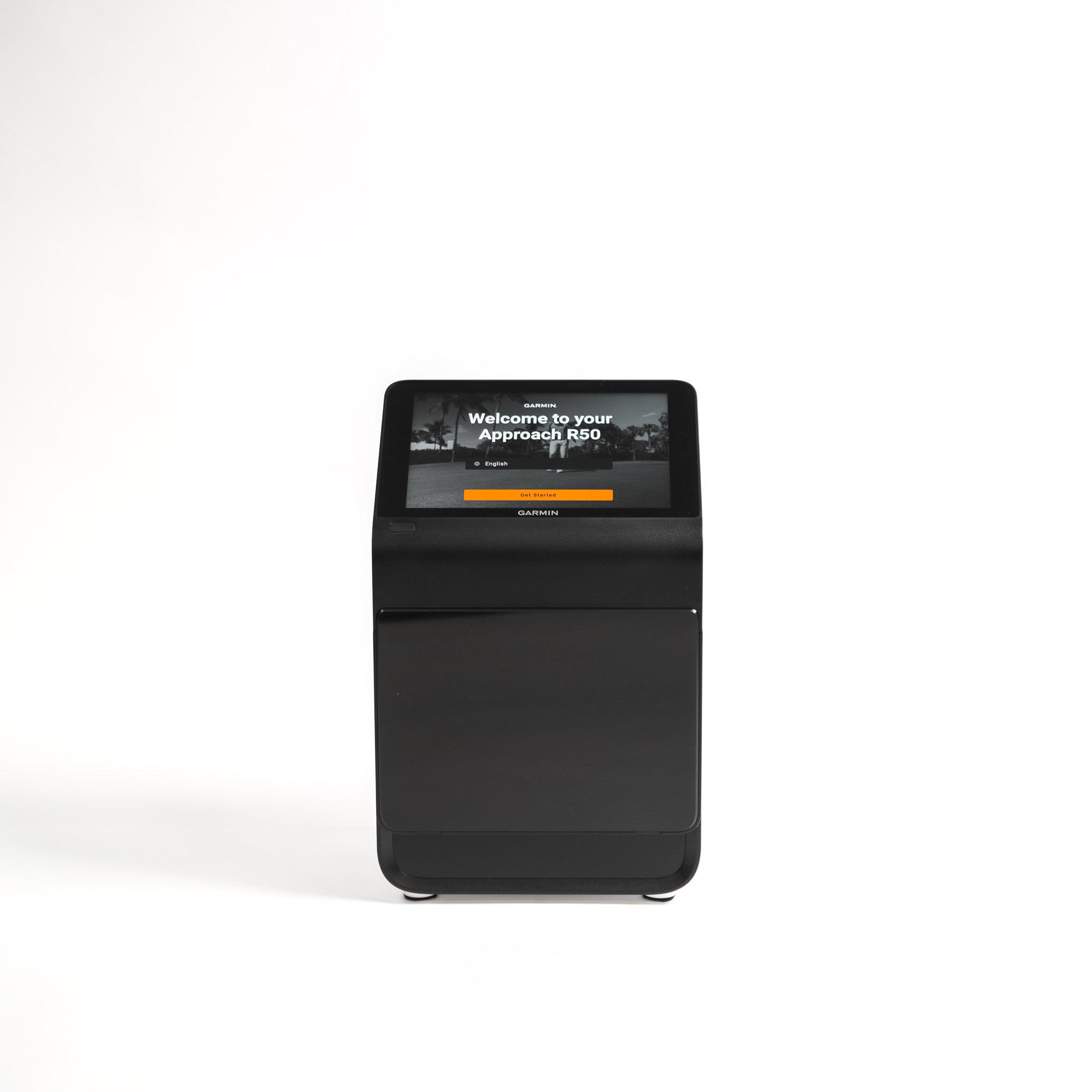
The Garmin Approach R50 is £4,299. The R50 reads the ball with 3 high-speed cameras from about 0.5m beside the tee and plays Home Tee Hero on its own 10-inch touchscreen, so 4.5m of depth is enough. Its courses need the same Garmin Golf membership.
Garmin R10 or Rapsodo MLM2PRO?

The Rapsodo MLM2PRO is £549, £128 more than the R10. The MLM2PRO reads the ball with 2 cameras and radar from behind it, and it needs the RPT balls in its box to measure spin indoors.
A cheaper radar: the Shot Scope LM1

The Shot Scope LM1 is £194.99, £226.01 less than the R10. The LM1 shows club speed, ball speed, smash factor, carry and total on its own 3.5in screen, with no subscription, from 1.4m behind the ball.
The catch: it has no spin reading and no courses, so a simulator outgrows it.
A camera unit for a shorter room

The original SkyTrak is £495 with a year of SkyTrak Core, £74 more than the R10. Among the launch monitors under £1,000 we sell, it's the camera unit closest to the R10's price, and it reads the ball from beside the tee, so a room 4.5m deep is enough.
The catch: SkyTrak Core is £249.99 a year from year 2.
Who is the Garmin R10 for?
- Range golfers who want their numbers: carry, ball speed and club speed on a phone, for up to 10 hours on a charge.
- A first simulator in a deep garage: the EasySim package at £1,657 or a SimBox from £1,910, with 5m of depth to give it.
- Garden practice on a budget: £530 with our garden net and a Tri-Turf mat, and the R10 is rated IPX7 for a passing shower.
- Golfers who'll play courses on a membership: 43,000+ Home Tee Hero courses for £89.99 a year, or GSPro on a PC.
Who should spend more than £421?
- A room under 5m deep: a camera unit beside the ball works in 4.5m.
- Fixing a slice by the numbers: Golf Insider UK's verdict is that the R10's face and path readings aren't accurate enough for that work, so look at a unit that reads the club at impact.
- Courses on a big screen with no phone in the chain: the R50 plays Home Tee Hero on its own screen.
- Measured spin indoors: stay with the R10 and budget £70 a dozen for RCT balls.
Garmin R10 FAQs
How do I pair the Garmin R10?
In the Garmin Golf app. Switch the R10 on for the first time, or hold its button while it's off until the light turns solid blue, then go to Profile > My Devices > Add Device. It has to be paired with that app to work.
My Garmin R10 won't pair. What can I do?
Bring the phone close, restart both, and check Bluetooth is on and the R10's light is flashing blue. Update the Garmin Golf and Home Tee Hero apps. If it still won't connect, remove the R10 from the app and from your phone's Bluetooth settings, then pair it again. On a new phone, remove it from the old phone's app first.
My Garmin R10 is flashing red. What does this mean?
On the status light, flashing red means an error, and Garmin's fix is to reset it. On the charging light, flashing red means it's charging, solid red means it's fully charged, and rapid flashing red means it's unplugged with a low battery.
How do I reset my Garmin Approach R10?
Hold the button until the status light turns off. Garmin's manual says a reset doesn't erase any of your data.
Does the Garmin R10 need Wi-Fi?
Not at the range. It talks to your phone over Bluetooth, and Golf Insider UK says you'll want Wi-Fi to download courses for simulator play. Software updates come through the Garmin Golf app or through Garmin Express on a computer.
Can you putt with the Garmin R10?
No live putting. In a Home Tee Hero round, Garmin adds 0 to 3 strokes depending on how close your approach finished, and GSPro asks you to choose an auto-putt mode. Either way, the software putts for you when the launch monitor can't read a putt.
Is there a free golf simulator app for the Garmin R10?
Yes. Garmin Golf's Driving Range mode is free, and OpenGolfSim is a free simulator that works with Garmin launch monitors. Home Tee Hero's courses need the Garmin Golf membership.
Does the Garmin R10 give swing speed?
Yes. Club head speed is one of the 4 numbers its radar measures directly, and Golf Insider UK found it nearly perfect with the driver and reading high with irons and wedges.
How long does the Garmin R10 battery last?
Up to 10 hours on a charge. It only charges between 0°C and 45°C, so in an unheated garage in January, bring it into the house to charge. The radar keeps working while it's plugged in.
Can you use the Garmin R10 outdoors?
Yes, on the range and in the garden. It's rated IPX7 for incidental water up to 1m for 30 minutes and works from -10°C to 55°C, though it shouldn't be used in heavy rain. MyGolfSpy's 2022 test found it more accurate outdoors than in.
Pick your R10 setup
The R10 on its own from £421, with a practice net, or in an EasySim or SimBox package, beside the rest of our Garmin launch monitors and simulators.
See our Garmin range